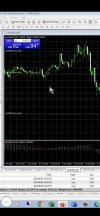
1. Open "Market Watch" by clicking "View" in the top menu and selecting "Market Watch" or pressing CTRL+M.
2. Right-click anywhere in the "Market Watch" window and select "Symbols" or press CTRL+U.
3. Find the symbol you are interested in and double-click on it to open the symbol properties.
4. Select the "Common" tab in the symbol properties.
5. Check the "Show Ask line" option in the "Common" tab to display the ask/sell price on the chart and click on OK!