

Trade Currencies Online with Easy-Forex!

Posts Tagged ‘Metatrader indicators’

Statistical Forex System — Gathered Information

Monday, August 11th, 2008

Earlier I’ve described the statistical Forex systems and introduced the problem of choosing the right timeframe to gather the statistics for such systems. Today I will try to describe the problem of choosing the right information that is collected for the statistical trading system.

Gathering the statistics over a chosen period of time for the given market instrument is the next step to create a successful statistical Forex strategy. But what data should be used for this statistics? Is it a good idea to record bare chart data? Should you gather any additional information? Here is my view on all possible statistics type that can be used in the process:

Pure market quotes. This includes high, low, close and open rates for bars and bid or ask rates for ticks (if you think that tick-based statistics is a good idea). This method of statistics gathering is the most obvious. You gather the market quotes then compare them with the current situation and decide whether to buy, sell or hold. But there is a problem with the changing of quotes range. For instance, 1 year ago EUR/USD was in 1.4000-1.5500 range, a month ago it was far above 1.5500 level, so the data gathered in another price range would be completely useless. Alternatively a normalization of some sort can be used to store such statistics — e.g. store not a quote like 1.5404 but its relation to the next bar’s open price — 1.5404/1.5423 = 0.998768073. This way you’ll have data that is informative in any price range, but still uses no indicators or other complex calculations.

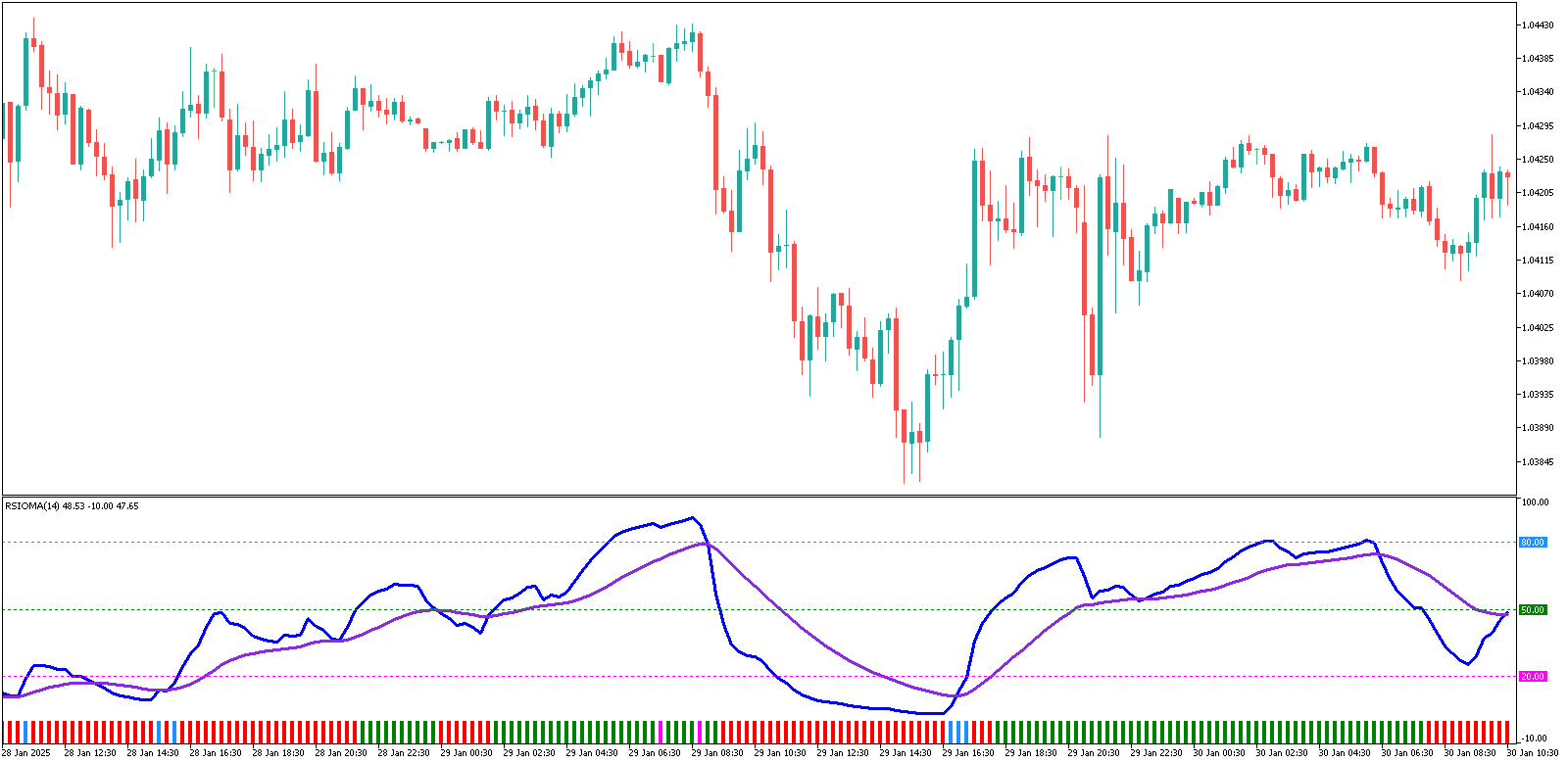
Indicators. These are probably the best data to be recorded as the statistics. Even standard MetaTrader indicators allow recording a lot of information and then using it to compare with real-time current market situation. With a large part of the indicators the normalization similar to the one used with the raw market data will be necessary. It’s probably a good idea to use indicators that change in the certain range — like RSI, DeMarker, Stochastics, Larry William’s Percentage Range, Money Flow Index, etc. The length of the arrays of the indicator values recorded for each tick or bar is also an important parameter of the statistics gathering. Remember that the longer this length is the more uninformative this statistics becomes. Ideally, it’s better to use single value of each indicator that is unique for the current bar or tick.

Additional information. It can include the time of the day to capture the trends and patterns that are specific for some trading sessions only. Another parameter that fall into this category is the day of the week — trading usually differs depending on the busyness of the day (often with less price action on Fridays). The statistics can also note if the day is some major holiday, current daylight saving time mode for the major countries and the volumes of the trades (although in Forex they are not very informative).

Complex calculations. This can include not only calculations based on the market data and indicators, but incorporate the additional information such as time and the day of the week into the calculations. In this case the produced number-formatted statistics would be easy to compare to the real market data. Considering the current development level of the PC industry it wouldn’t be a hard task to incorporate even the most complex calculations in the MetaTrader expert advisor that utilizes a statistical Forex strategy. Additionally these calculations can be accompanied by the various pivot points and resistance/support levels to help with choosing the position’s parameters.

Minor Fixing in MT4 Indicators

Wednesday, April 16th, 2008

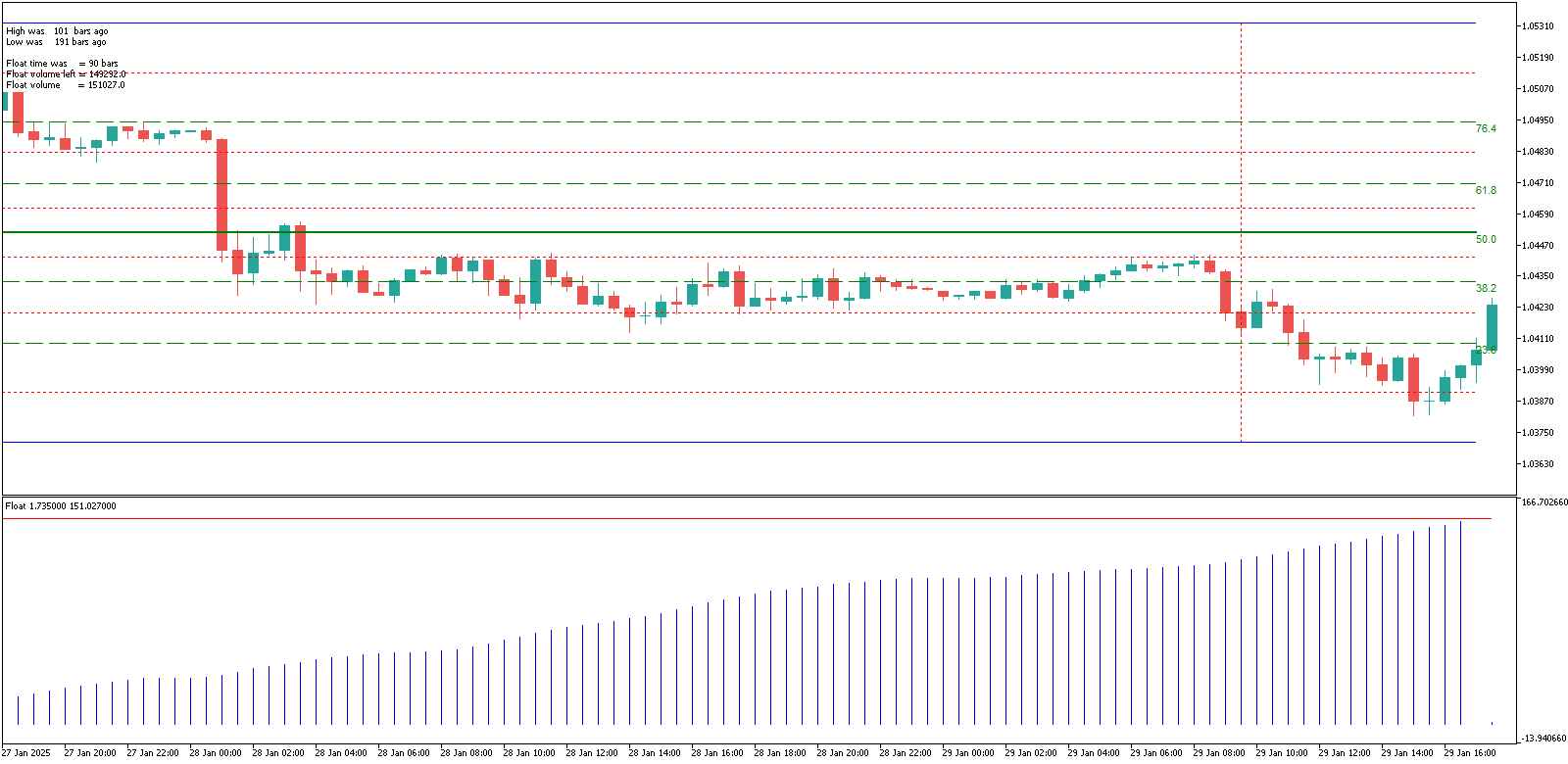
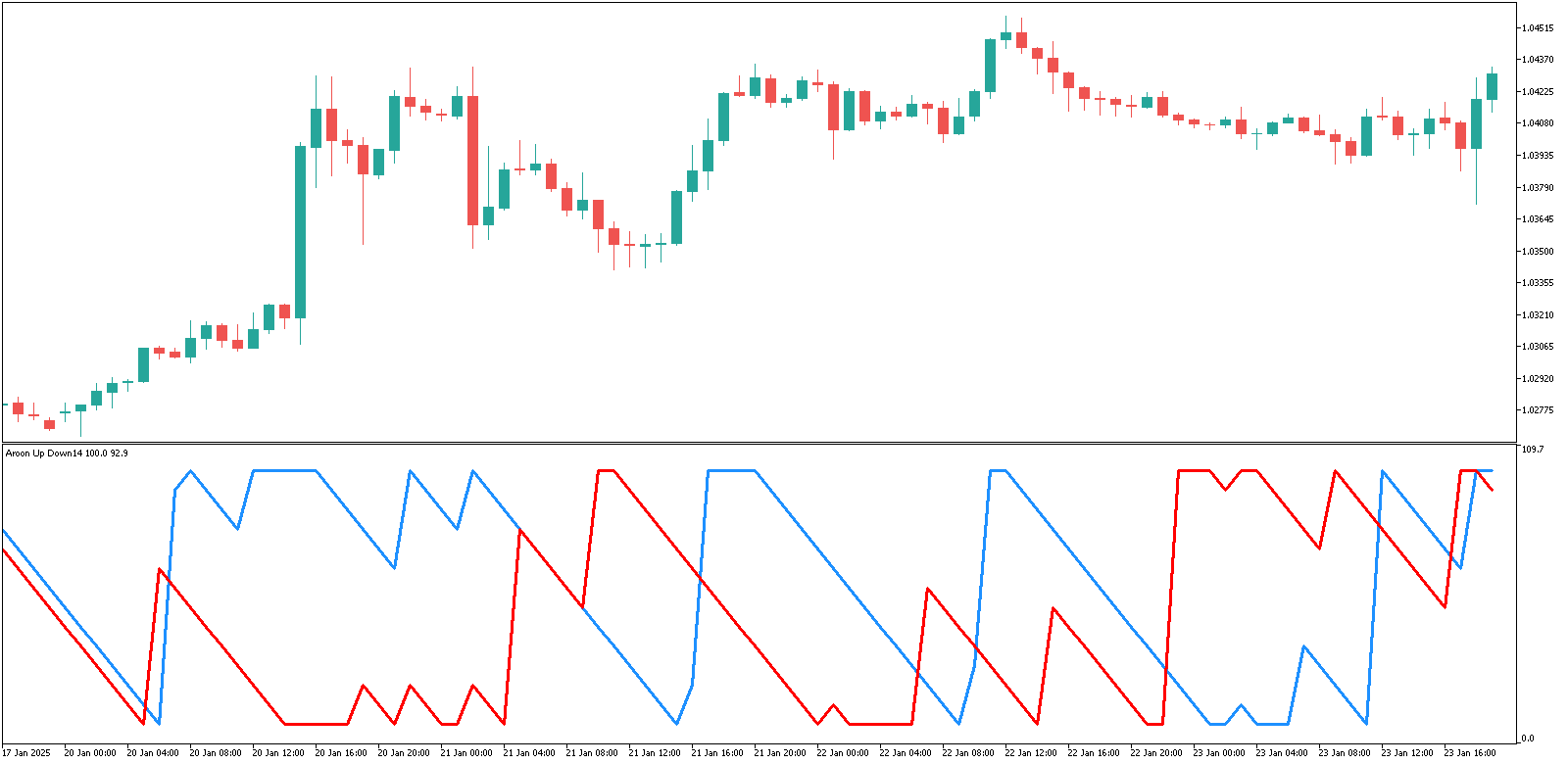
Due to some new code processing rules in the fresh versions of the MetaTrader 4 platform (I don’t know exactly from which build they’ve changed it) some of the indicators on my site stopped working right or just started to show errors in the platform’s log. Thanks to some conscious visitor, who notices the error and contacted me about it, I’ve corrected this issue with all three indicators that had such problem: Aroon Up & Down, Beginner, Float. I guess you’ll have to download those indicators again if you want them to be working smoothly. Other indicators and expert advisors weren’t affected and should be fine for now.

By the way, if you open .mq4 file from my site you might get some older version of it, because it’s stored in your web browser’s cache, so don’t forget to Ctrl+refresh it if you want a new version (or download a zipped version).

Pivot Points Indicator for MetaTrader

Monday, February 18th, 2008

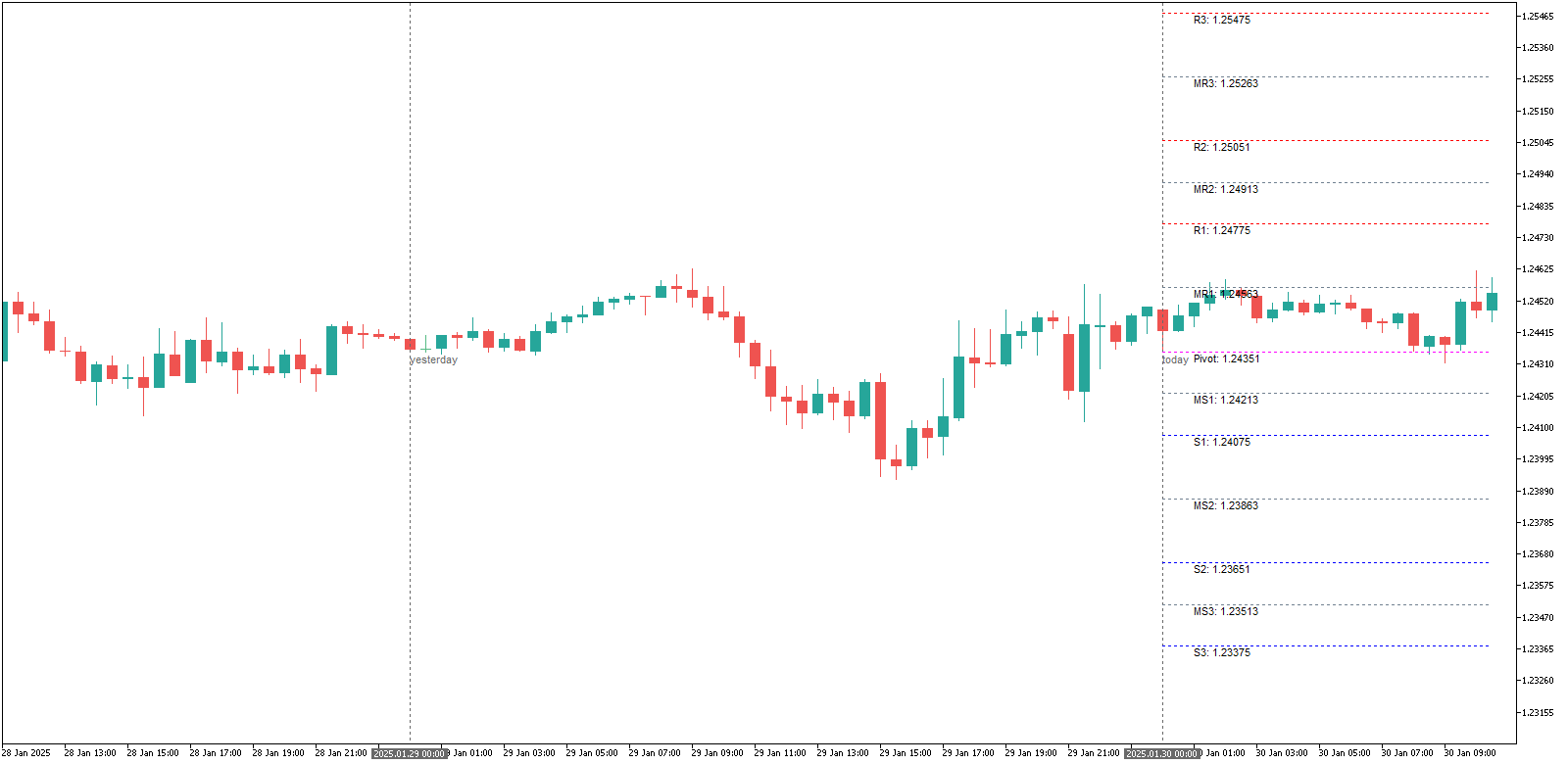
A new indicator is available for download now — it’s TzPivots. It shows the daily pivot points directly on the MetaTrader chart. It’s easy to use — you only need to set two input parameters for it to work properly:

  • LocalTimeZone — should be set to your MetaTrader server’s time zone shift in hours relative to the GMT. E.g. if your charts in MT4 are for GMT-5, then you should enter “-5″ for this parameter.
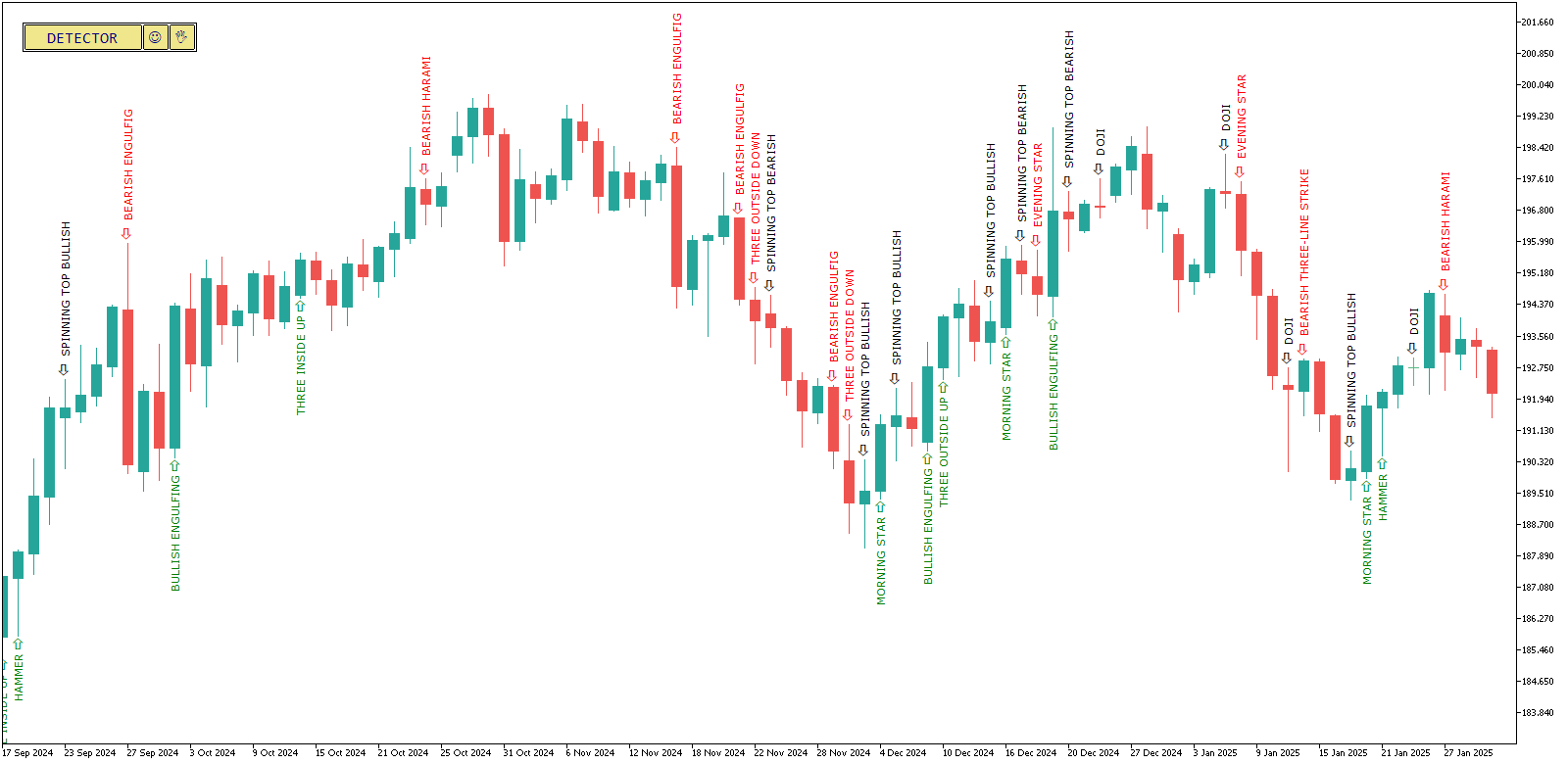
  • DestTimeZone — is the time zone shift of the destination trading session relative to the GMT. E.g. if you want to trade during the London session, then you need to set this parameter to ”0″ or to ”+1″ when the daylight saving time is on.

That’s all you need to use this wonderful indicator.
Traders Dynamic Index — MetaTrader Indicator

Friday, February 8th, 2008

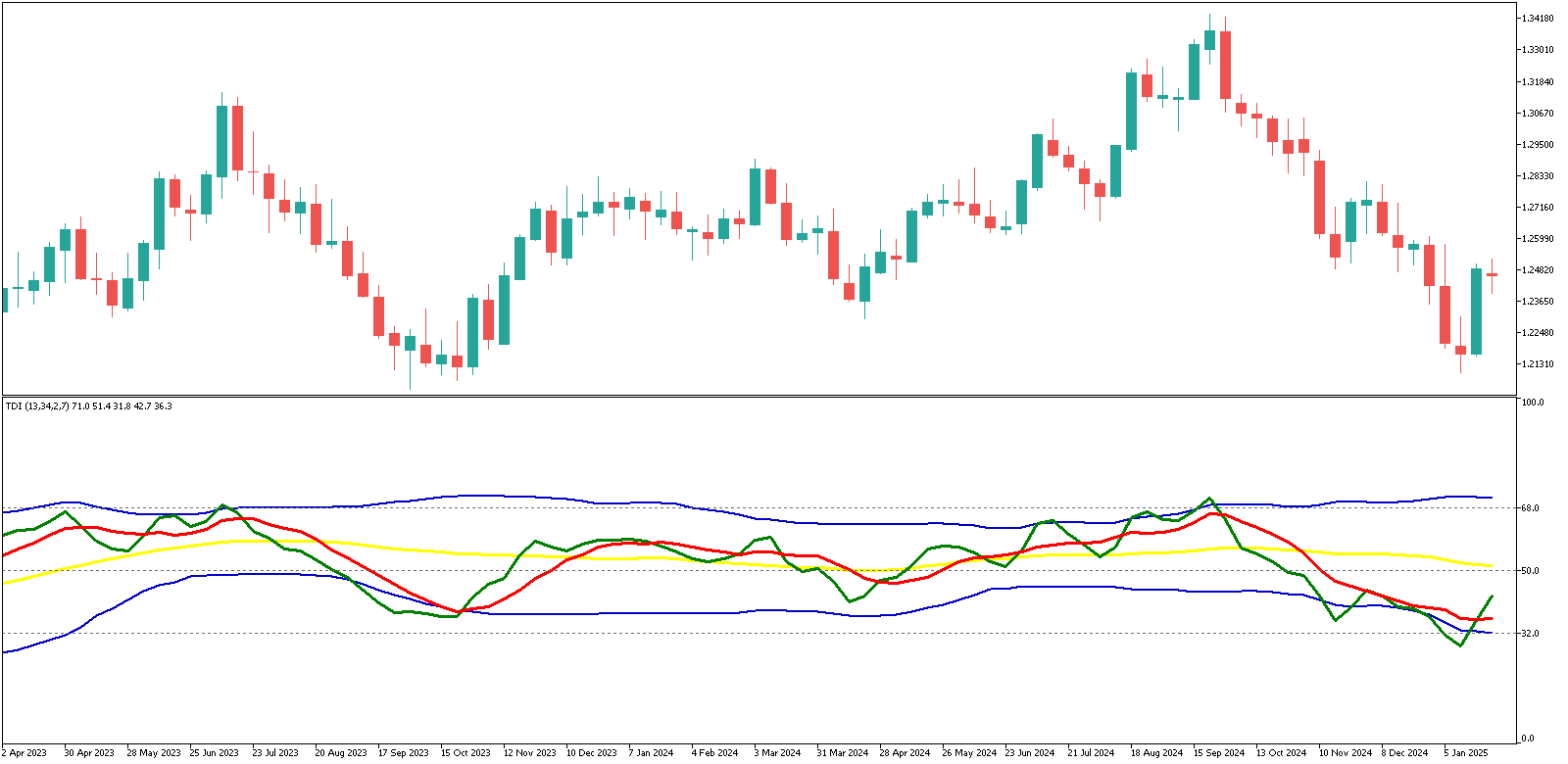
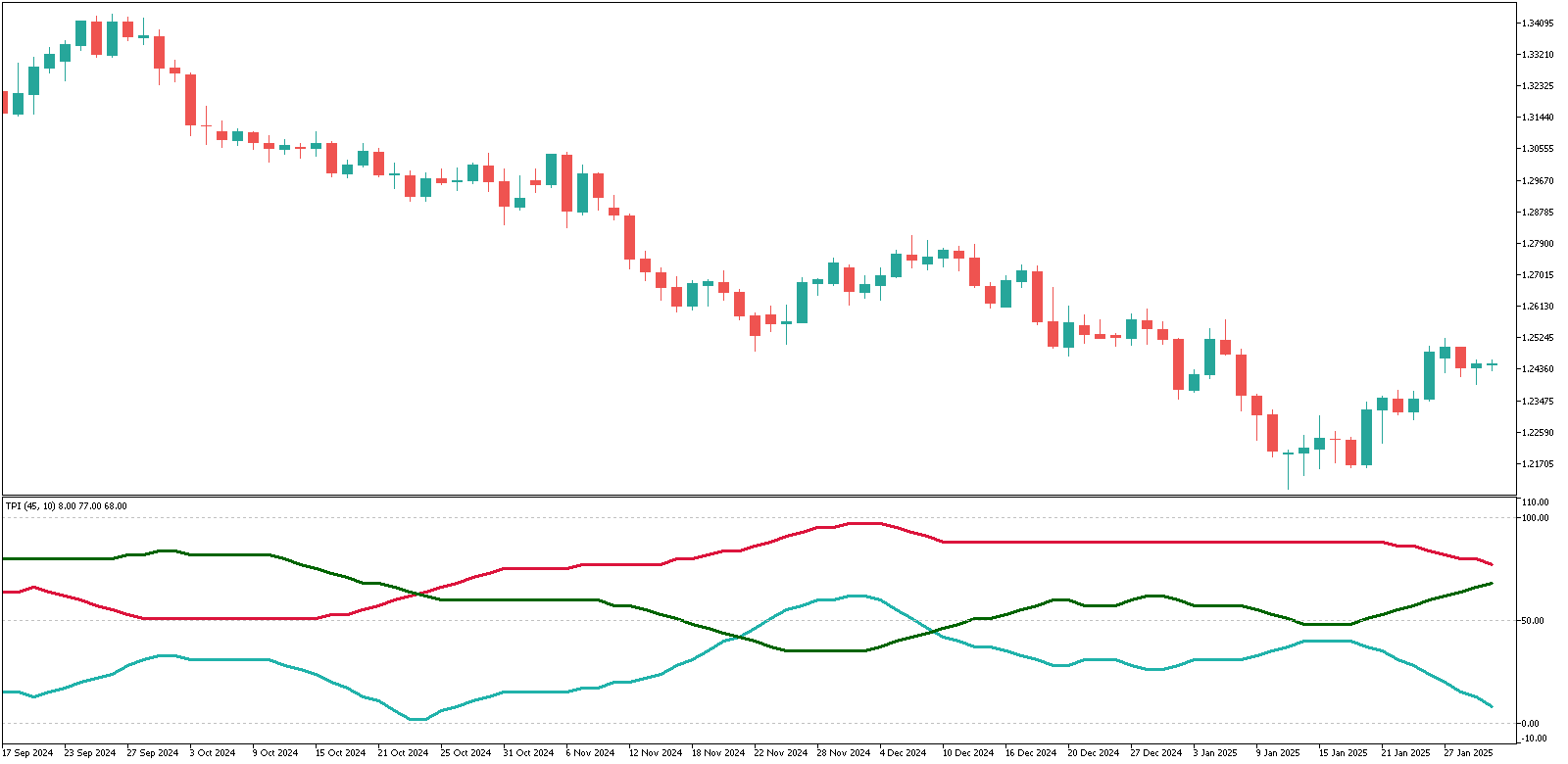
I published a new complex MetaTrader indicator on the site today — it’s called Traders Dynamic Index. It has almost everything the Forex trader needs: trend direction indicator, trend strength indicator and the market volatility measurement tool. But despite these cool features it is very simple to use. This indicator was sent to me by one of the site’s visitors, but it most probably originates from www.compassfx.com.
Here’s a quick guide to using this indicator (I recommend reading the full guide in its code’s commentary):

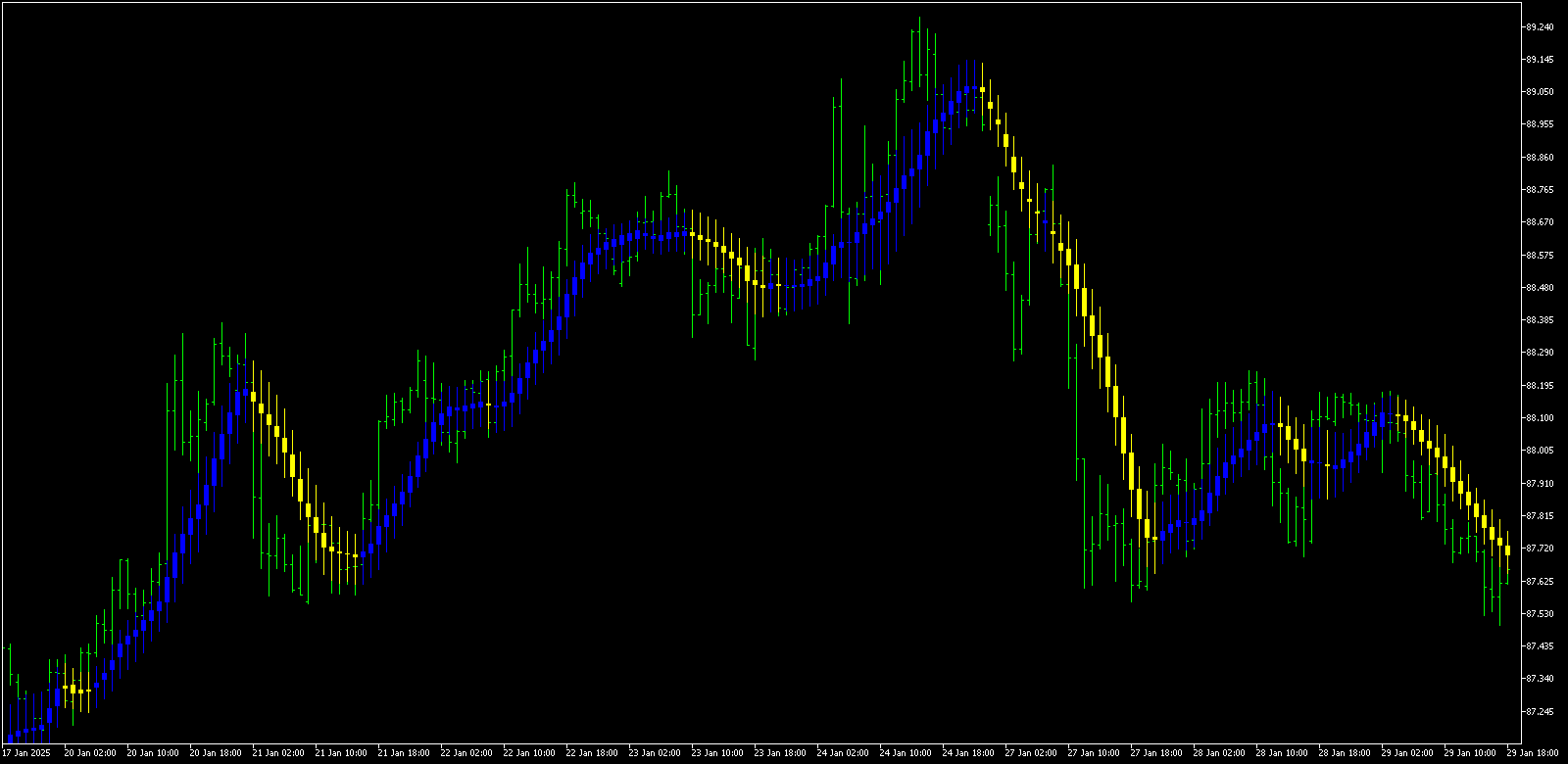
  1. Blue bands show a strength of the trend — the wider they are, the stronger is the trend.
  2. Yellow line indicates the trend’s direction change — when it bounces of 32 level, trend goes bullish, when it bounces down from 68 level, trend goes bearish.
  3. Green and red lines signal for the long position — if the green one intersects the red one from below, and — for short position, when the red one crosses the green line from below.

Support and Resistance MetaTrader Indicator

Sunday, January 27th, 2008

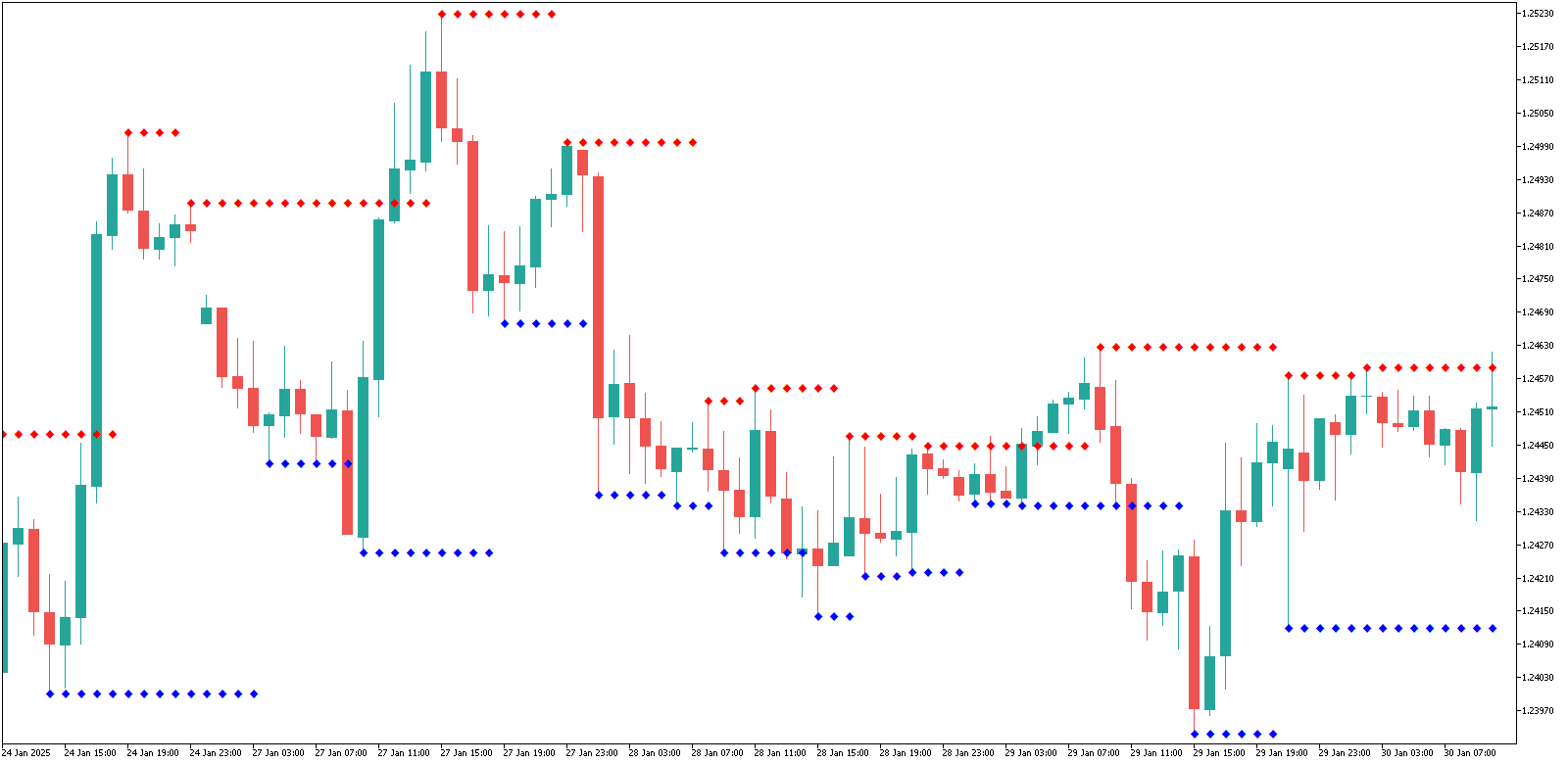
Enjoy the new MetaTrader indicator — Support and Resistance — ready to be downloaded from the indicators page. This indicator shows the dynamic support and resistance levels directly on the chart. It applies the levels to the certain periods that are treated as the trends or sub-trends. This indicator was originally developed by Barry Stander (http://myweb.absa.co.za/stander/4meta/), but I have received by e-mail from one of my reader — Muntazir Mehdi. So, thanks should go to both of them. And I hope to receive and publish even more of such interesting and yet simple Forex indicators.

Float - New Addition to MT4 Indicators

Wednesday, January 23rd, 2008

One of my site’s visitors asked me abouth the MetaTrader 4 indicator called “Float“. So I’ve decided to find this one and add it to the MT4 indicators list I maintain. Now everyone can download this interesting indicator and try to use it in Forex trading. It is designed to detect big trend changes and the current trend ‘exhaustion level’. As the bonus it also shows the Fibonacci levels on the main chart window to help the traders to determine good support and resistance levels. It would be fair to say that this indicator comes from StrategyBuilderFX forum’s members and is currently no longer updated.

MetaTrader Indicators User’s Tutorial

Monday, January 7th, 2008

There are many free MetaTrader indicators available on-line, but some people still enounter problems in attaching these indicators to a chart or even compiling them when needed. This simple user’s tutorial was made by me for those that want learn attaching custom MT4 indicators.

1. Download custom MT4 indicator and save it to the ‘indicators’ folder inside the ‘experts’ folder inside your MetaTrader’s installation folder:

2. If it’s already compiled (.ex4 file) then fine, if not (.mql file) - double click it with your mouse and it will be opened in MQL editor (this editor is standard for every MetaTrader 4); click the ‘Compile’ button at the center top of the editor window - the indicator will be compiled and ready to be attached. There might be some errors or warnings during the compilation, but in most cases there shouldn’t be any. You can try and fix those errors, but usually it takes some time and programming skills to do this.

3. After you get the .ex4 file in your indicators folder (through compilation or download), you can start using it with your MetaTrader platform. All you have to do is to attach it to the chart. If you know what you are doing you might also want to change some of the indicator’s input parameters.

OK. Now you can enjoy your new MT4 indicator and hopefully - better
Forex trading results.

New MetaTrader Indicator

Tuesday, December 4th, 2007

I’ve added a new MT4 indicator - Var Mov Avg - based on the varying period moving averages crosses. It can be used as a current trend indicator and can be very good on the trendy markets. On the flat market it will show some bad picture, but it can be filtered out. This indicator also produces a sound alert every time it detects a trend change.

MetaTrader 4 Expert Advisors and Indicators

Monday, December 3rd, 2007

I’ve reworked the MetaTrader expert advisors page gradually, removing more than a half of the expert adviors that were poorly tested earlier and aren’t profitable according to my new test results. I’ve been testing all the expert advisors on the period from 11/19/2006 to 11/19/2007 and EAs that were successful on this period I also tested on a 11/19/2004 to 11/19/2007 period to confirm their results stability. All backtests had 90% testing quality. The descriptions of the expert advisors now include the test results and my own notices reg their use.

Another change to the site - I’ve added MetaTrader indicators page which will contain free MT4 indicators available for download. Right now it holds only 5 indicators, but more will be added soon. All indicators have their own description.


FXOpen - Forex at its Best