Ava FX - On-line Trading Center

Posts Tagged ‘indicators’

Trade Assistant — Multi-Timeframe Forex Indicator

Friday, July 25th, 2008

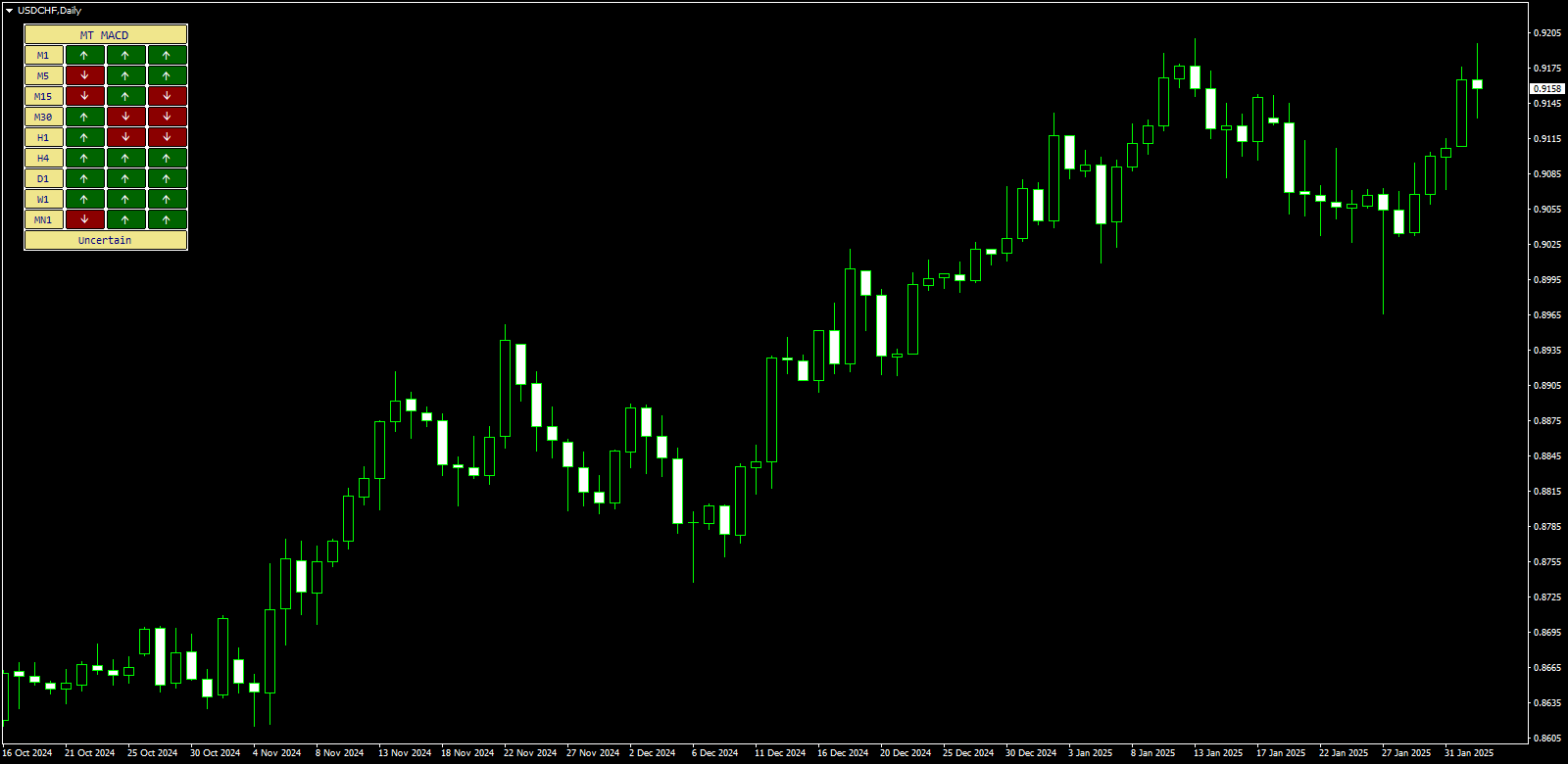
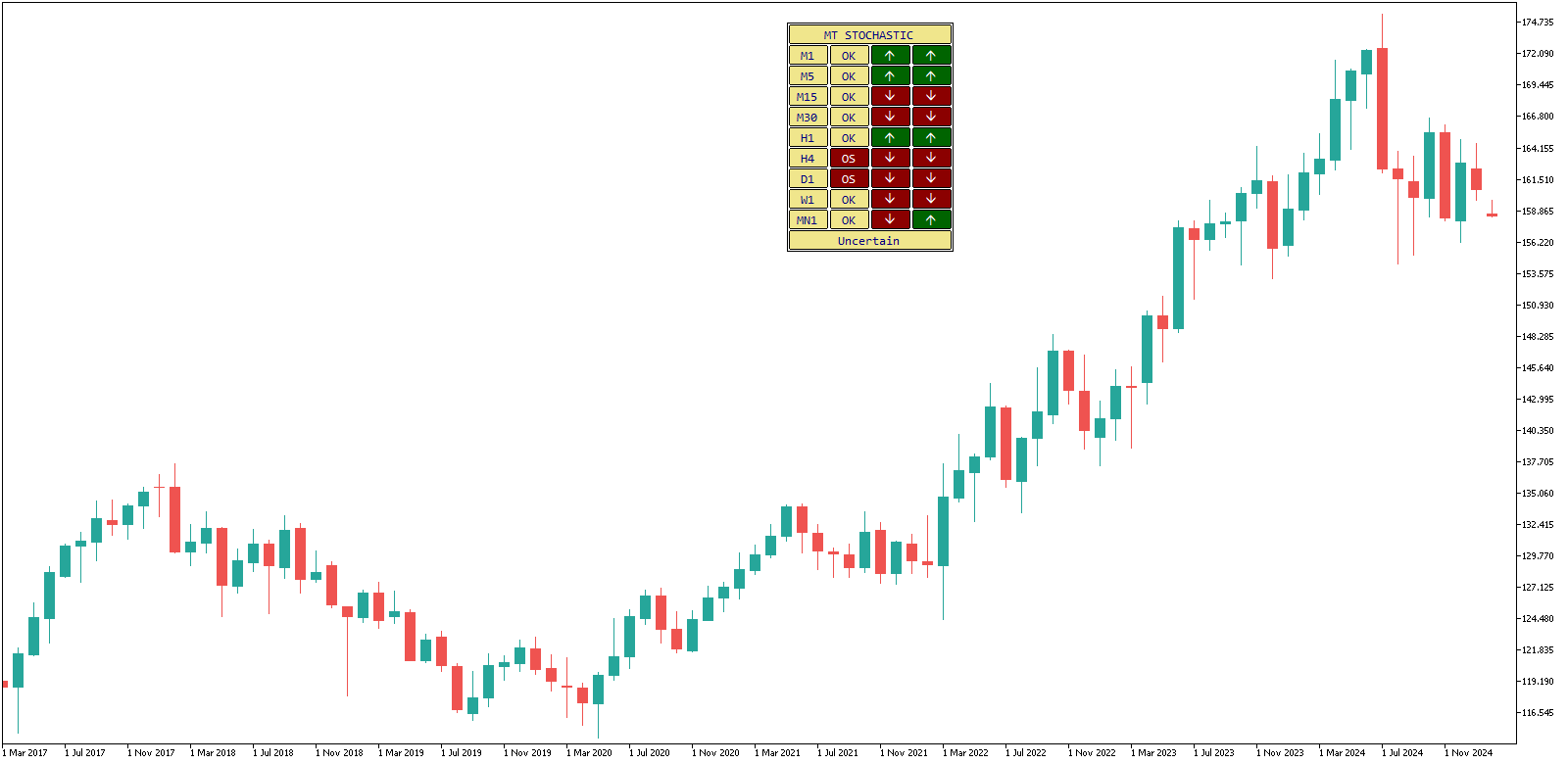
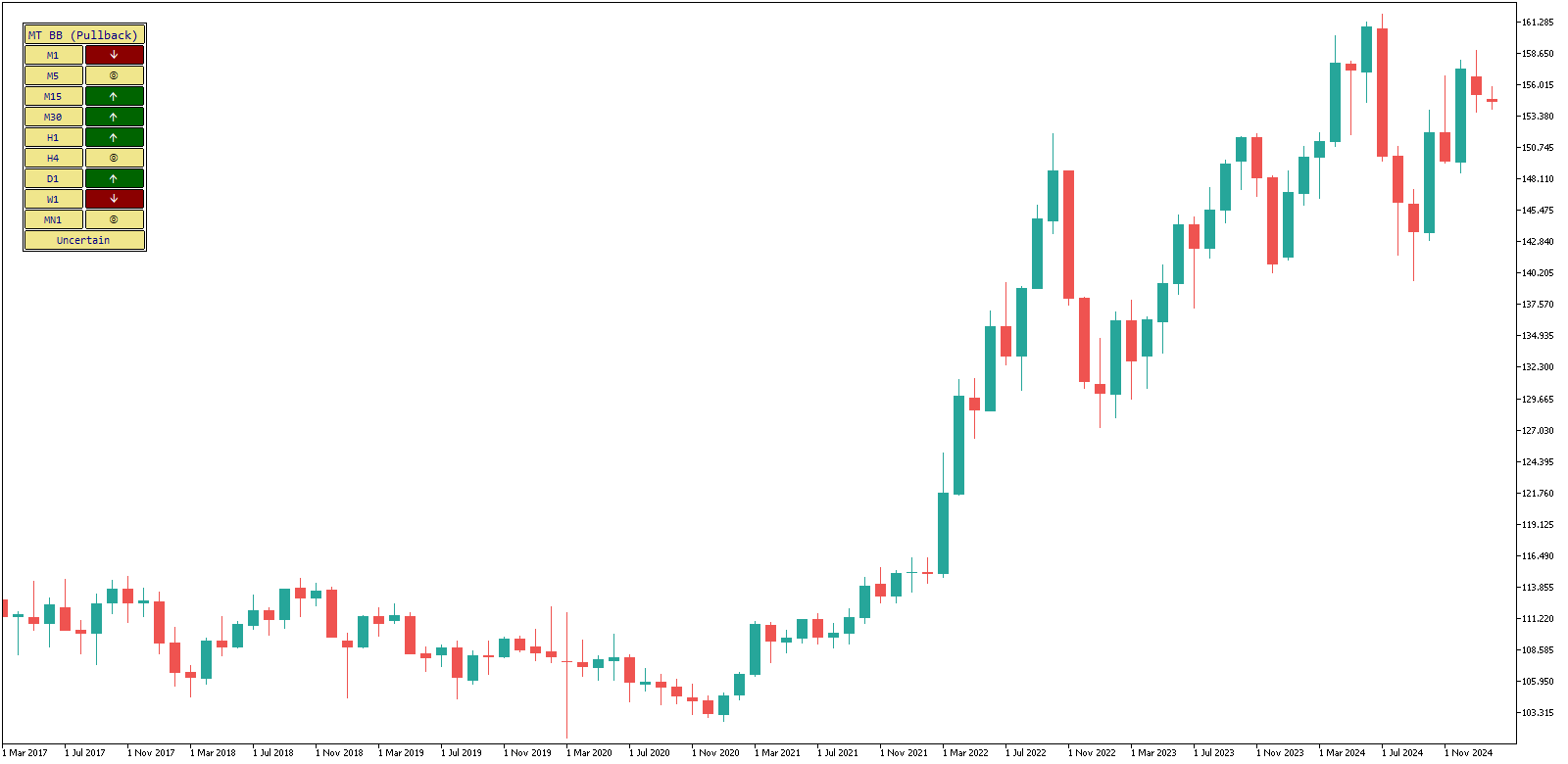
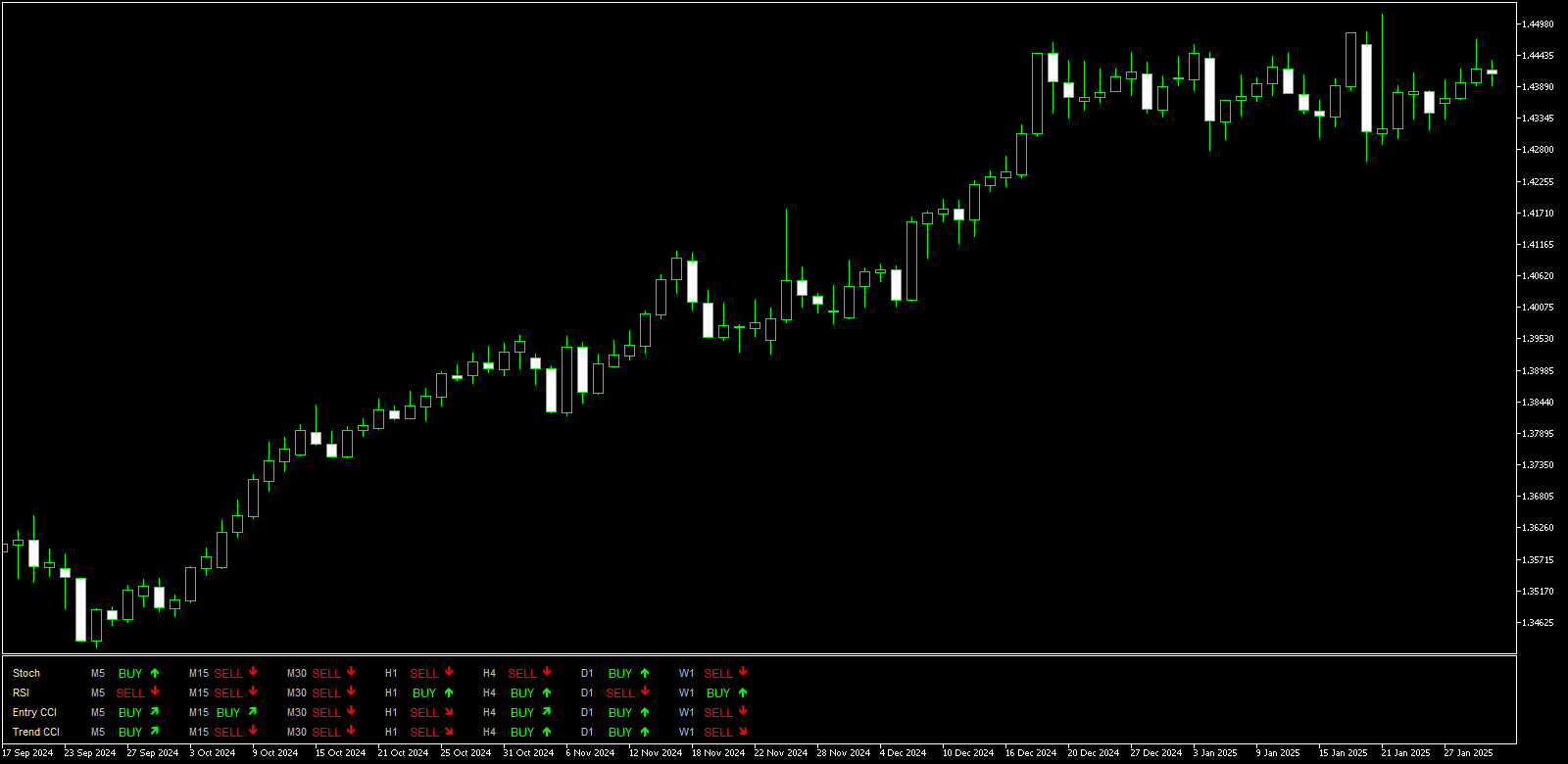
Trade Assistant is the second multi-timeframe indicator after TRO MultiPar, which I’ve posted in April. I’ve found this indicator on the forex-tsd.com forums; it was originally created and posted there by Tom Balfe. As with other multi-timeframe indicators it looks very nice and informative with the table output layout of the buy/sell signals. It can be attached to any timeframe chart and it works well with all currency pairs. Trade Assistant will show you the signals for M5, M15, M30, H1, H4 and D1 timeframes. As the base for its signals it uses Stochastic Oscillator, RSI and CCI (Entry and Trend signals). I noticed that when all four indicators show the same signal for the whole timeframe and the neighboring timeframes, it can produce some nice profit. The only problem is that you need to enter positions just right after the signals have switched to a good combination and exit immediately when they have changed. Overall Trade Assistant is one of the most interesting MetaTrader indicators I’ve encountered in months.

Trade Assistant MetaTrader 4 Indicator

MetaTrader Indicators Update

Friday, April 11th, 2008

Two new MetaTrader indicators are now available for download from my site. Both indicators come from forex-tsd.com forums. They are very different, but they both looked quite interesting and useful to me.

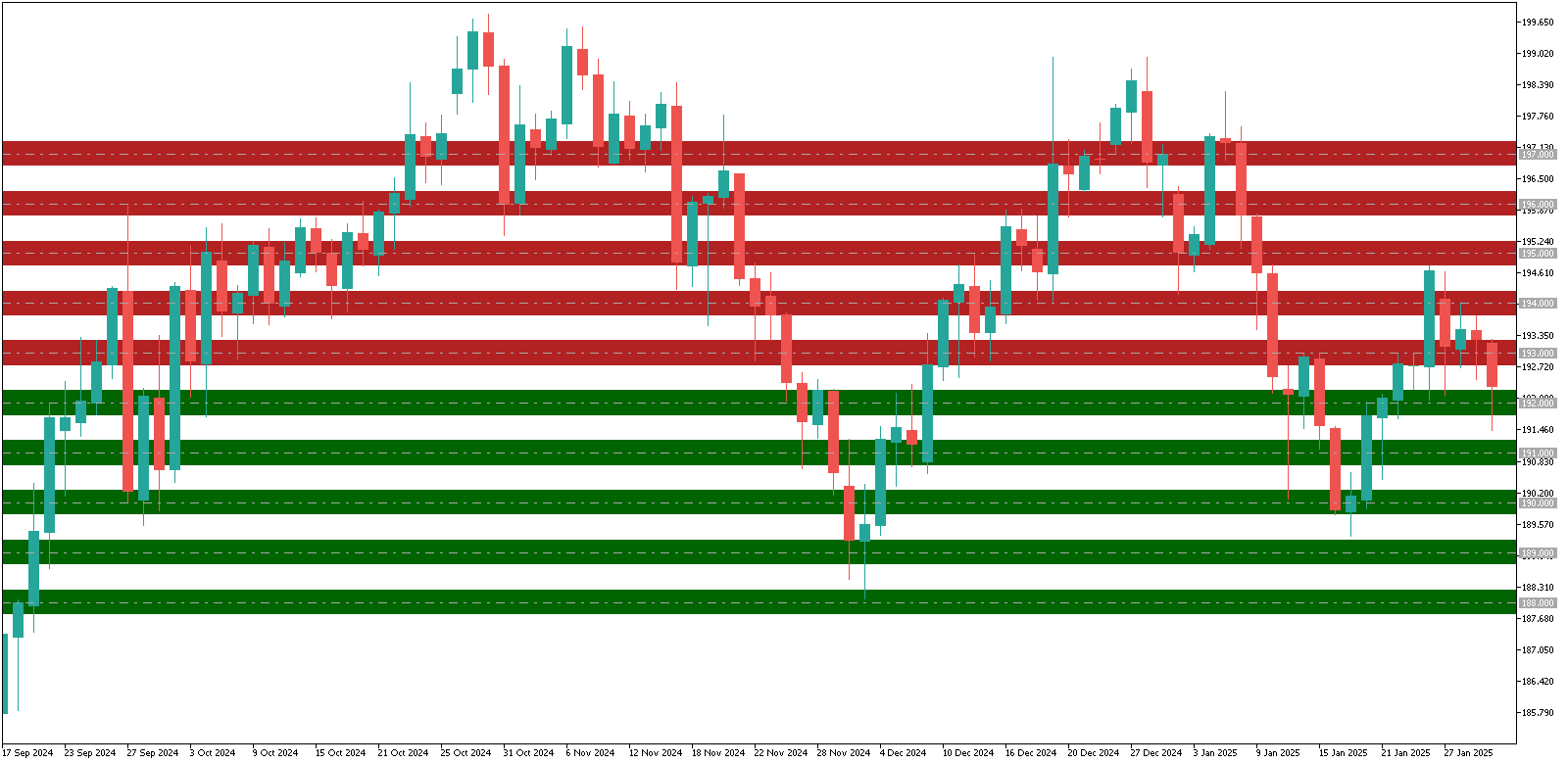
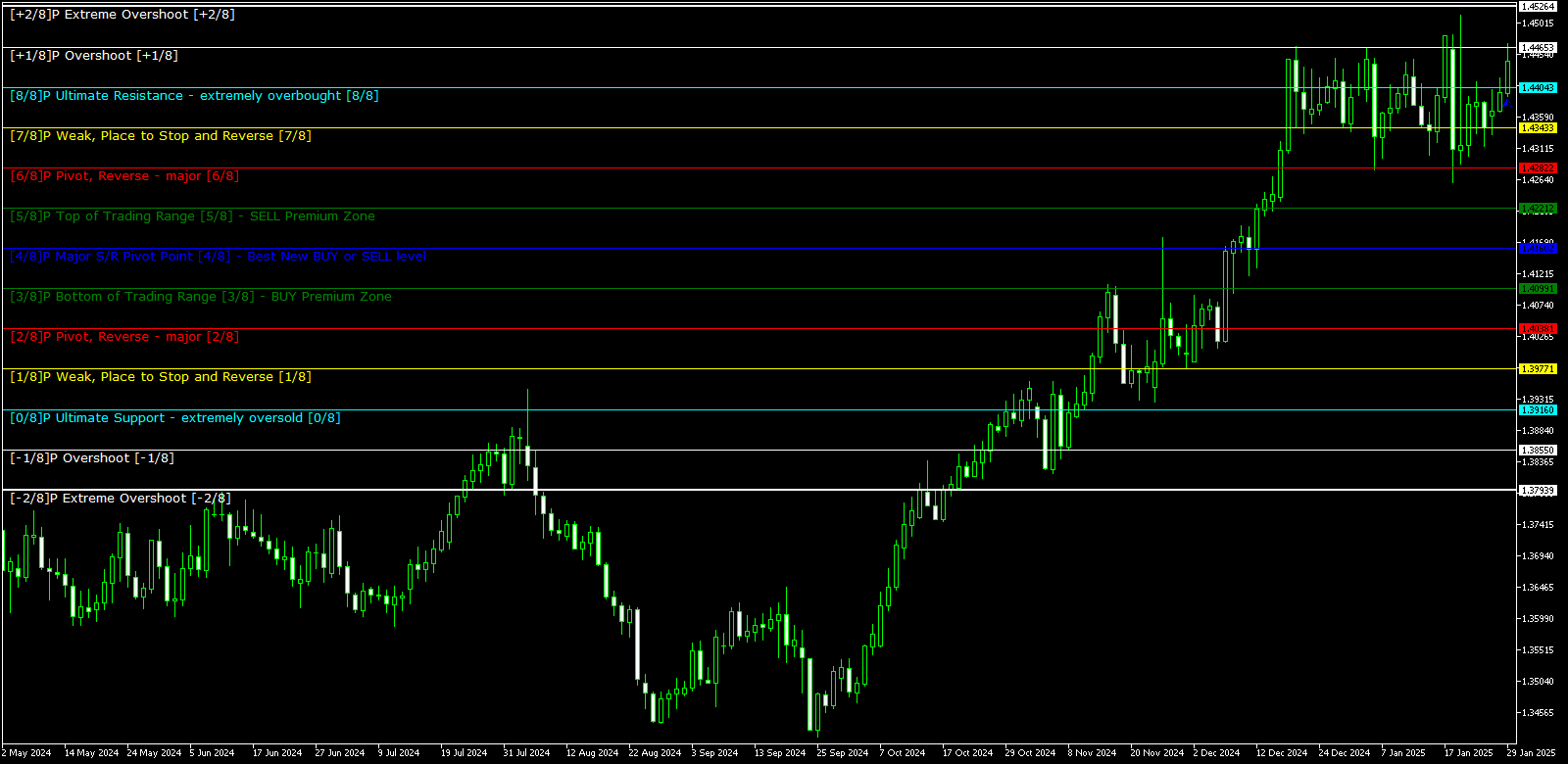
  1. Murrey Math Line X — indicates a set of support and resistance lines that can be used similarly to the common pivot points. It consists of 8 different lines, each representing a certain pivot level. Adding this on the chart makes it more readable and can help determine next price stop point:Murrey Math MetaTrader 4 Indicator
  2. TRO MultiPair — a very cool indicator by TheRumpledOne from the forex-tsd.com forums. It shows multitimeframe signals for several currency pairs on one window with several gradations of the signal’s strength. It’s based on many smaller indicators and can be quite useful, especially in scalping and long-term trading. A good scalping strategy is to sell when signal shows red-red-magenta for M1, M5 and M15 timeframes for the given pair and to buy when it shows green-green-magenta:TRO MutiPair MetaTrader 4 Indicator

Pivot Points Indicator for MetaTrader

Monday, February 18th, 2008

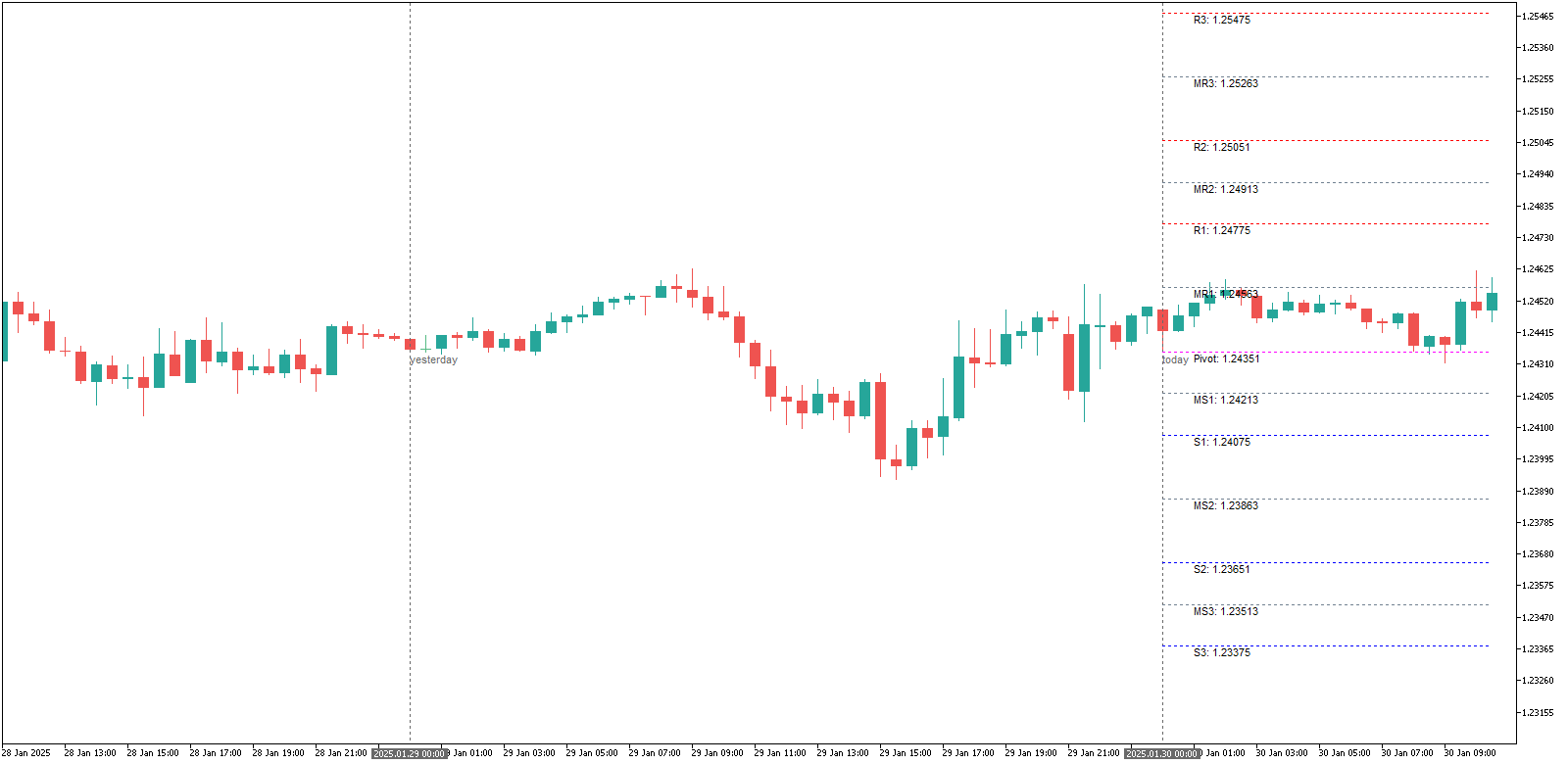
A new indicator is available for download now — it’s TzPivots. It shows the daily pivot points directly on the MetaTrader chart. It’s easy to use — you only need to set two input parameters for it to work properly:

  • LocalTimeZone — should be set to your MetaTrader server’s time zone shift in hours relative to the GMT. E.g. if your charts in MT4 are for GMT-5, then you should enter “-5″ for this parameter.
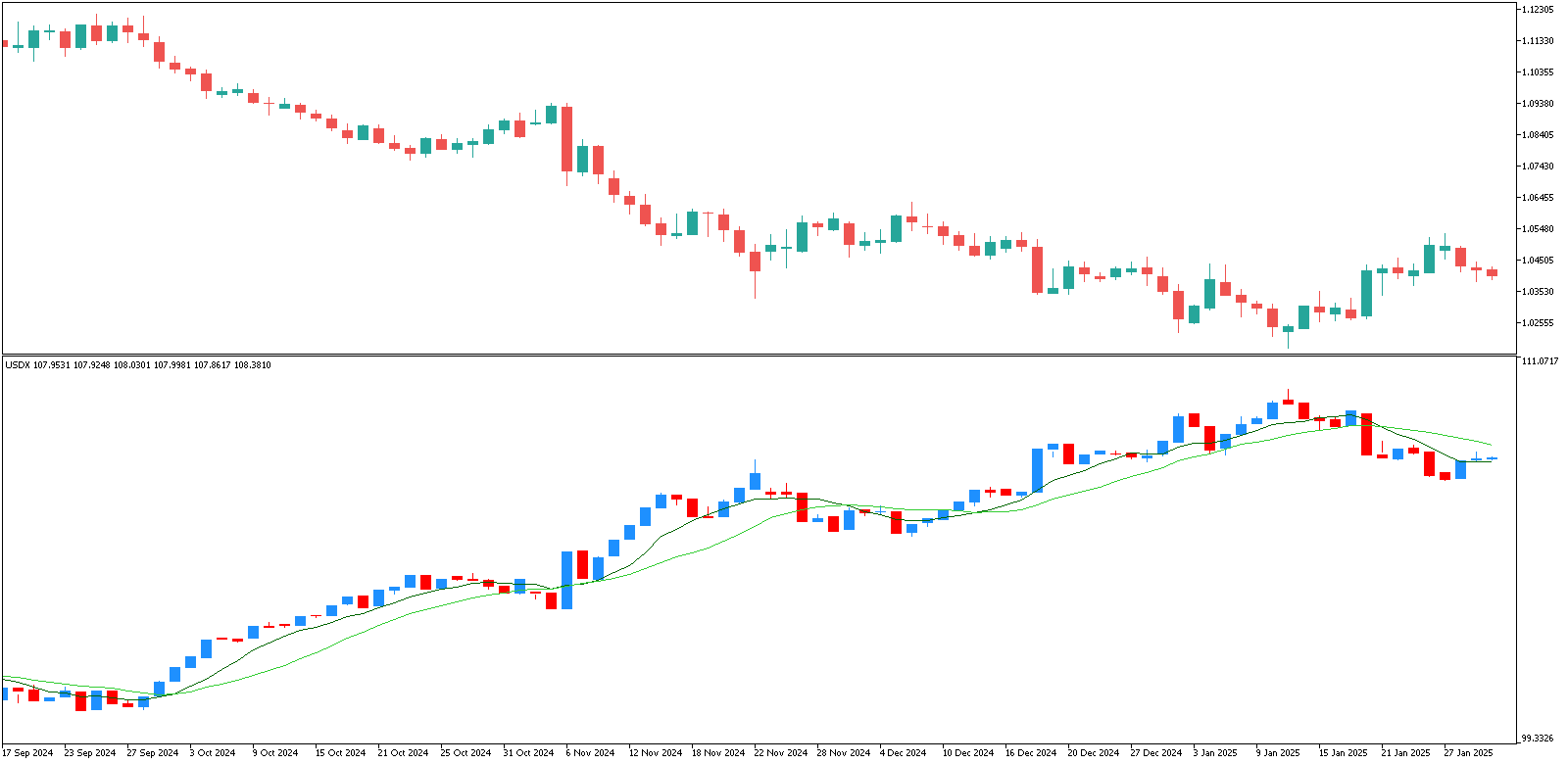
  • DestTimeZone — is the time zone shift of the destination trading session relative to the GMT. E.g. if you want to trade during the London session, then you need to set this parameter to ”0″ or to ”+1″ when the daylight saving time is on.

That’s all you need to use this wonderful indicator.
Traders Dynamic Index — MetaTrader Indicator

Friday, February 8th, 2008

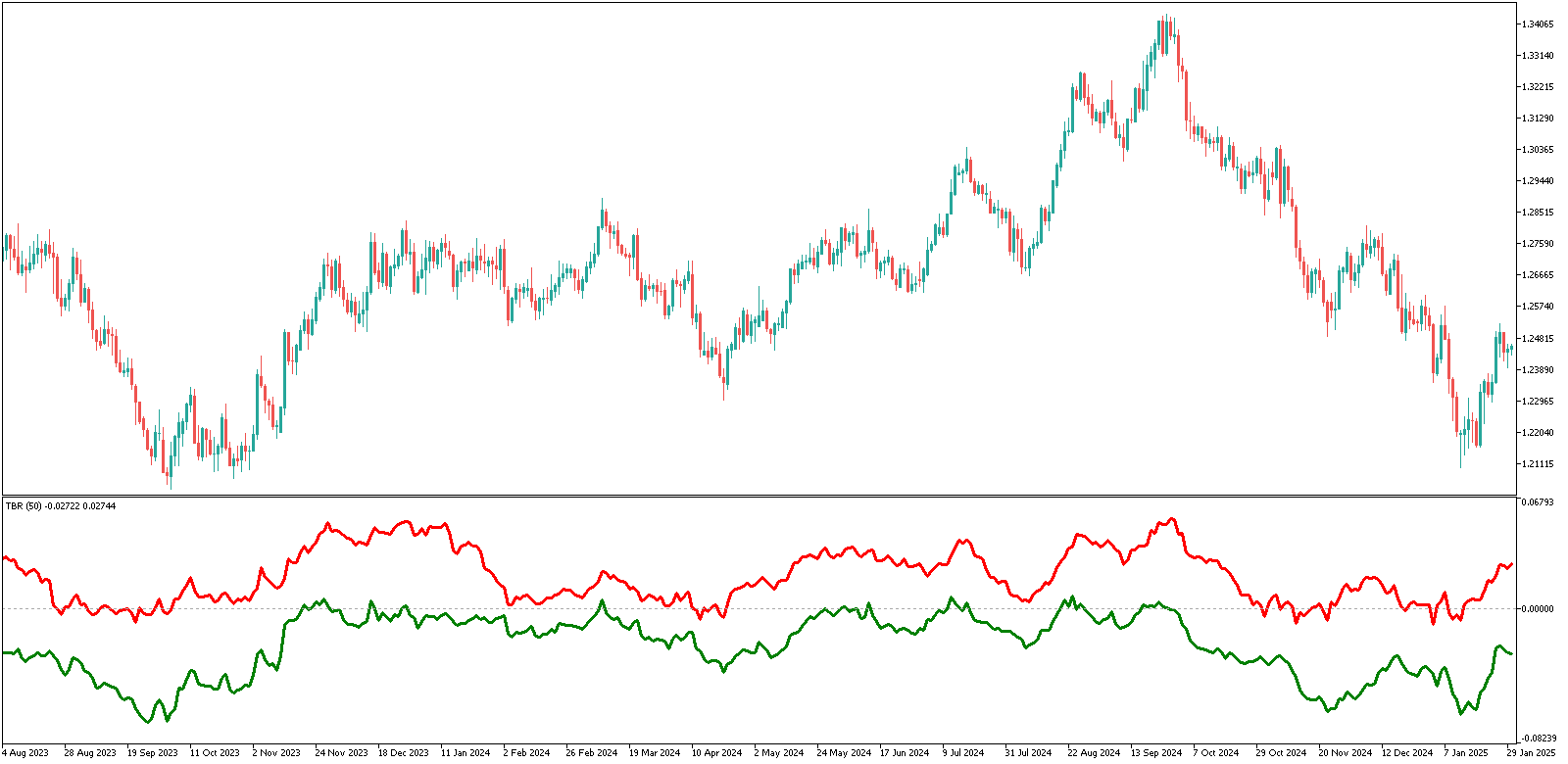
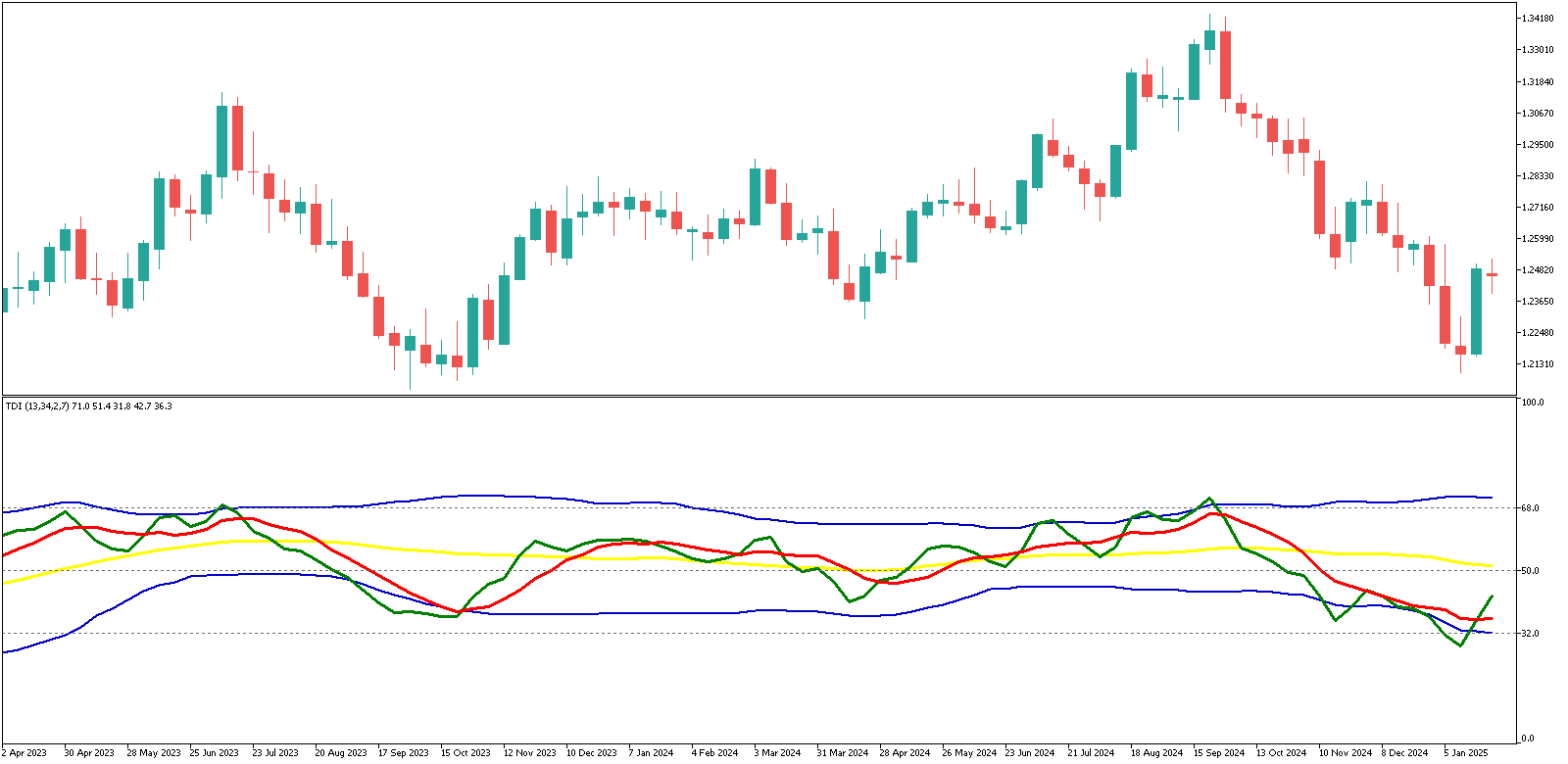
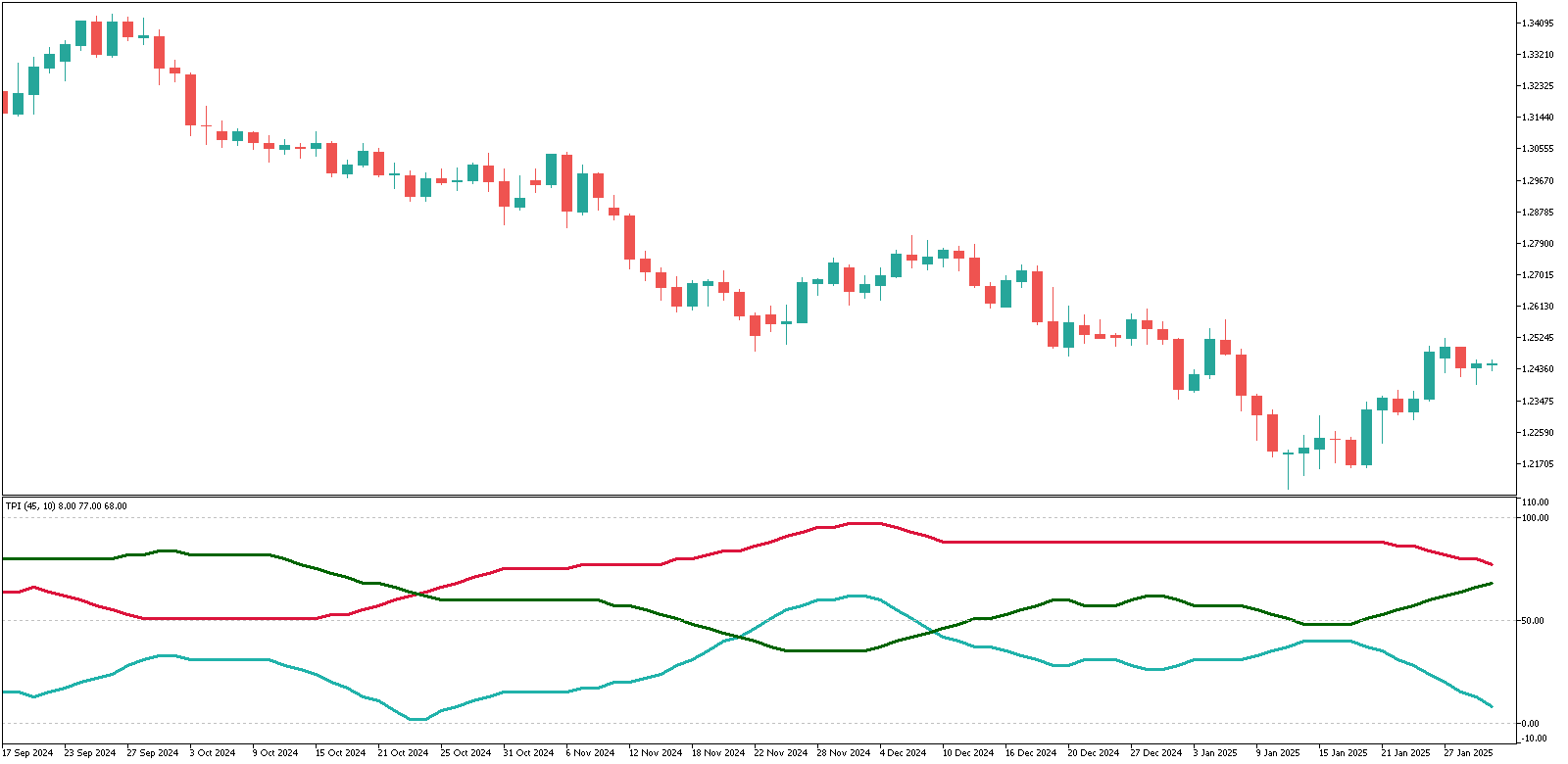
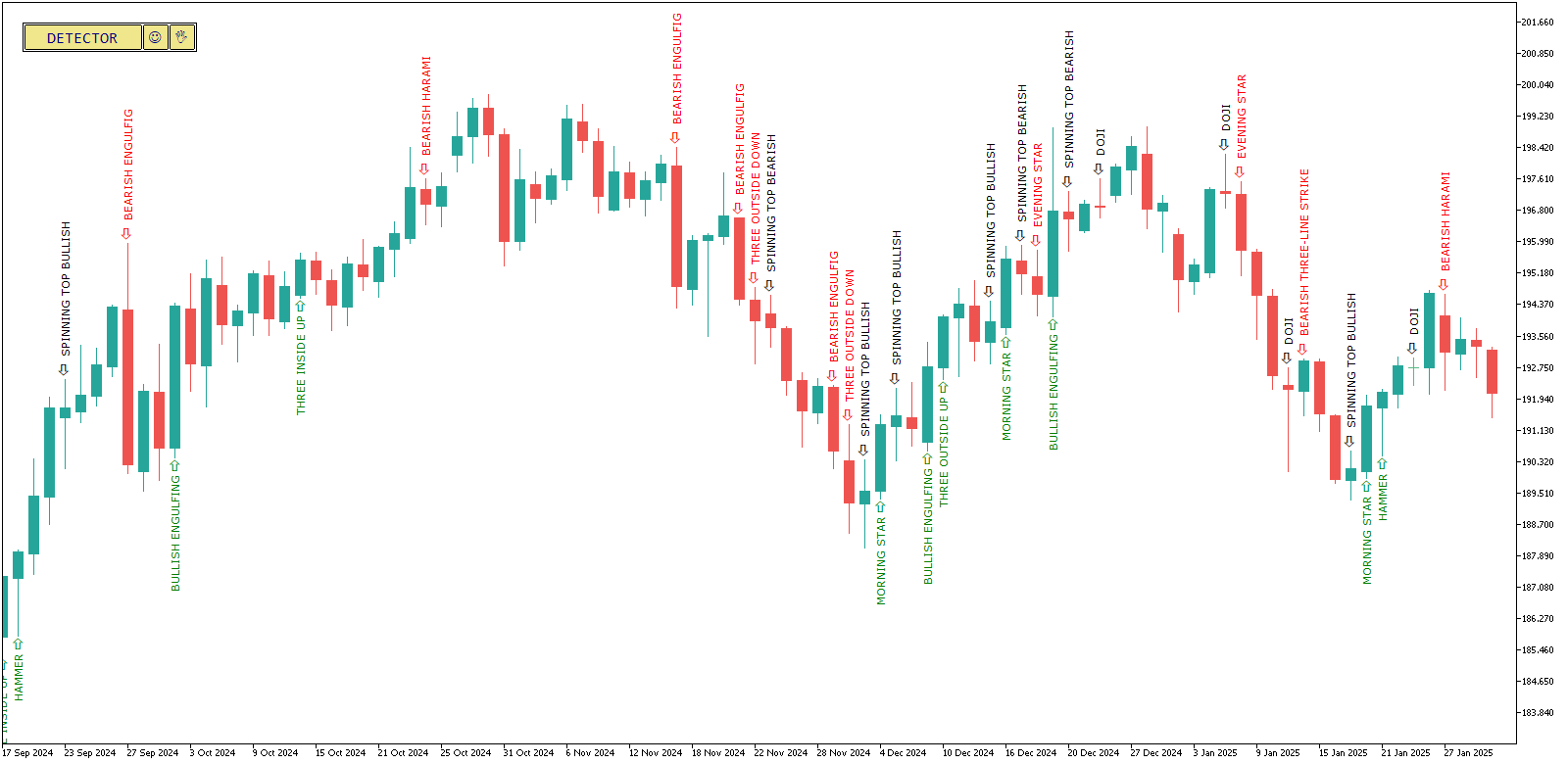
I published a new complex MetaTrader indicator on the site today — it’s called Traders Dynamic Index. It has almost everything the Forex trader needs: trend direction indicator, trend strength indicator and the market volatility measurement tool. But despite these cool features it is very simple to use. This indicator was sent to me by one of the site’s visitors, but it most probably originates from www.compassfx.com.
Here’s a quick guide to using this indicator (I recommend reading the full guide in its code’s commentary):

  1. Blue bands show a strength of the trend — the wider they are, the stronger is the trend.
  2. Yellow line indicates the trend’s direction change — when it bounces of 32 level, trend goes bullish, when it bounces down from 68 level, trend goes bearish.
  3. Green and red lines signal for the long position — if the green one intersects the red one from below, and — for short position, when the red one crosses the green line from below.

MetaTrader Indicators User’s Tutorial

Monday, January 7th, 2008

There are many free MetaTrader indicators available on-line, but some people still enounter problems in attaching these indicators to a chart or even compiling them when needed. This simple user’s tutorial was made by me for those that want learn attaching custom MT4 indicators.

1. Download custom MT4 indicator and save it to the ‘indicators’ folder inside the ‘experts’ folder inside your MetaTrader’s installation folder:

2. If it’s already compiled (.ex4 file) then fine, if not (.mql file) - double click it with your mouse and it will be opened in MQL editor (this editor is standard for every MetaTrader 4); click the ‘Compile’ button at the center top of the editor window - the indicator will be compiled and ready to be attached. There might be some errors or warnings during the compilation, but in most cases there shouldn’t be any. You can try and fix those errors, but usually it takes some time and programming skills to do this.

3. After you get the .ex4 file in your indicators folder (through compilation or download), you can start using it with your MetaTrader platform. All you have to do is to attach it to the chart. If you know what you are doing you might also want to change some of the indicator’s input parameters.

OK. Now you can enjoy your new MT4 indicator and hopefully - better
Forex trading results.

Forex E-Books: Two New Pieces

Monday, December 10th, 2007

Two new Forex e-books were uploaded to my site today, again, they are more articles than books, but I think that they fit better in Forex books section rather than articles, because they are finely formatted into the Word documents (EDIT: I’ve converted them to PDF as a more conventional format) and are more complex than other articles. These e-books both come from Mr. S.A. Ghafari, who decided to share his Forex trading experience with other traders on the non-profit basis. The titles of the articles speak for themselves:
A Practical Guide to Technical Indicators; Moving Averages
How to Trade Both Trend and Range Markets by Single Strategy?

EDIT: Added another two Forex articles by the same author. This time they are more articles with less pictures and tables:

Too Many Strategies, But Still Frustrated?
Stop Loss?? I Don’t Want To Use It

Additon to MT4 Expert Advisors

Monday, May 21st, 2007

I’ve added a new expert advisor to MT4 Expert Advisors section of the site - myfxovereasy Expert Advisor + FXOverEasy Indicators. It’s my own EA based on FXOverEasy indicators, or more exactly - on their combo by Shimodax from StrategyBuilder forum. Actually this Forex expert advisor trades against FXOverEasy strategy, but it showed very good results on EUR/USD M15 chart. But be careful, it is quite risky, don’t trade the money you cannot afford to lose. Don’t forget to leave your comment if you use this indicator ;-)


FXOpen - Forex at its Best