Posts Tagged ‘download’

Detect Chart Extrema with Improved ZigZag Indicator

Friday, July 3rd, 2009

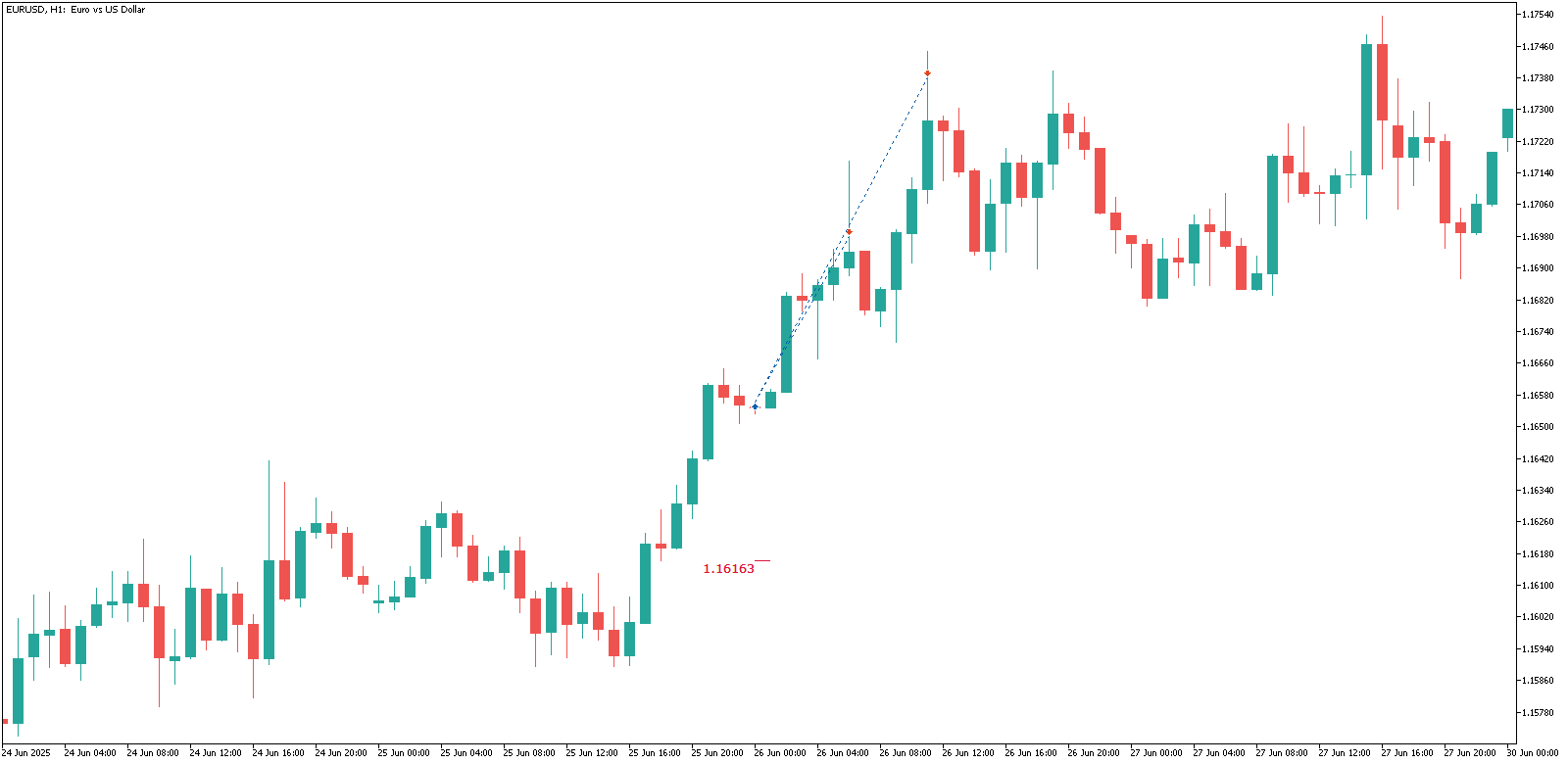
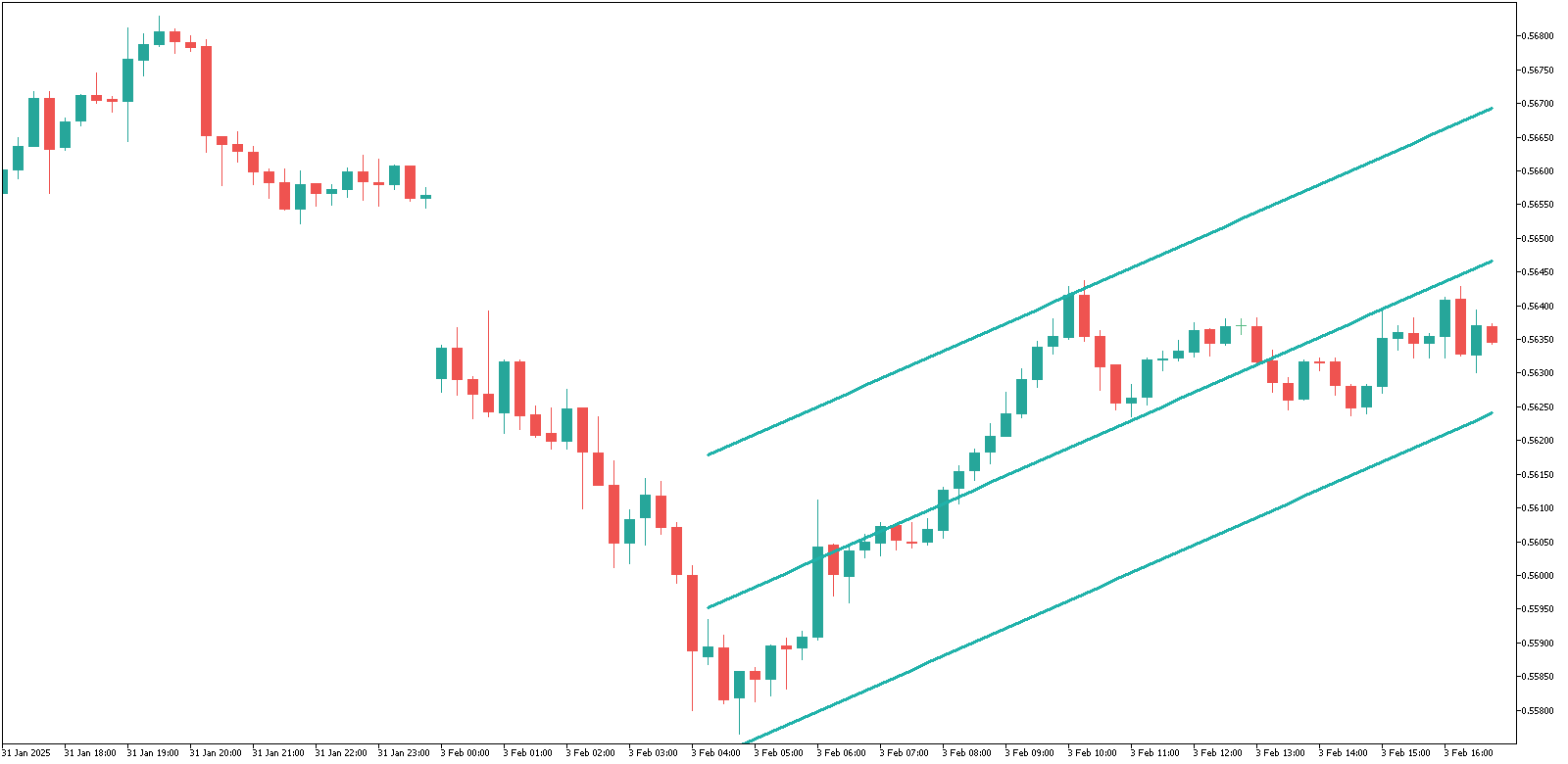
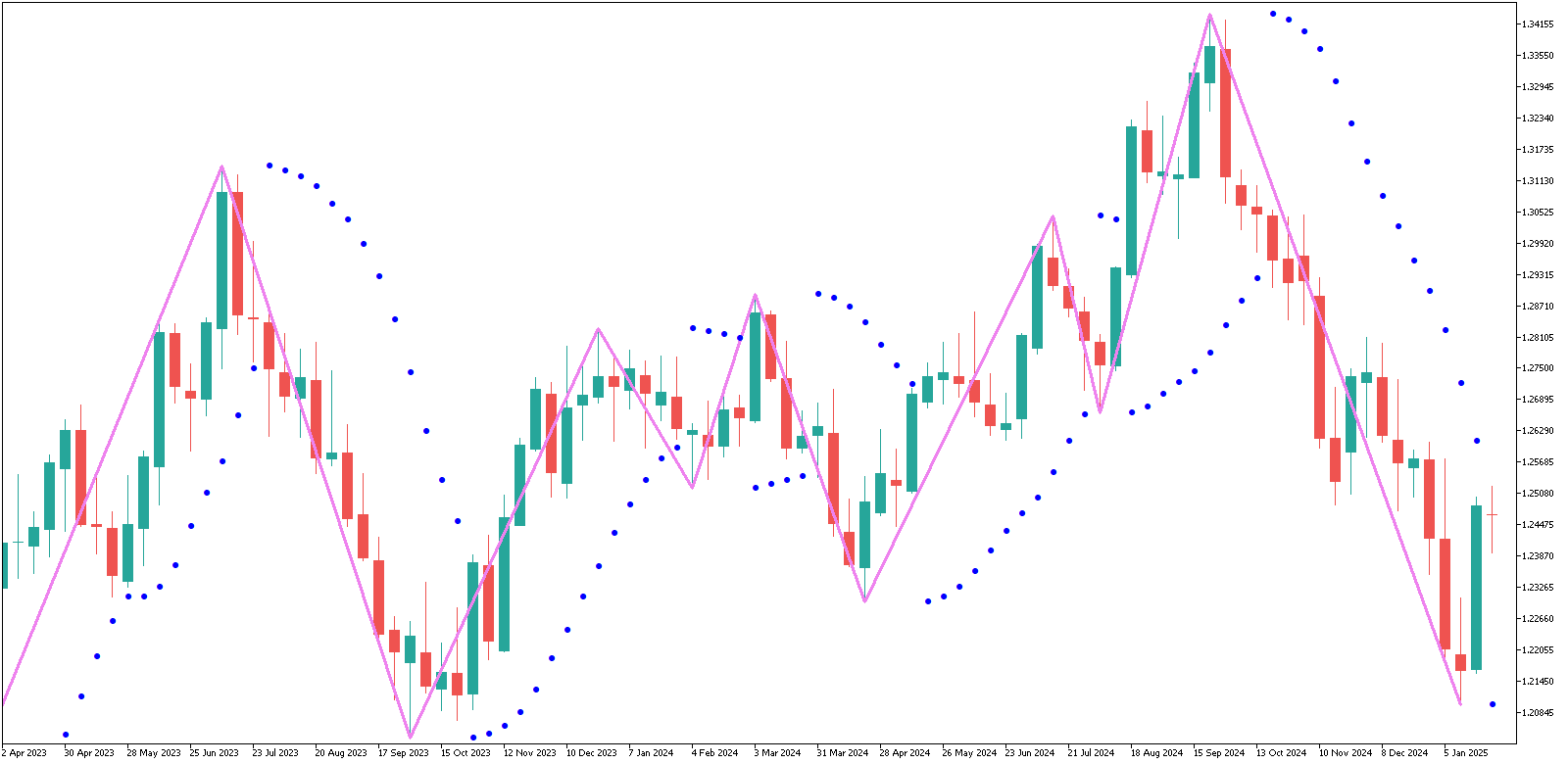
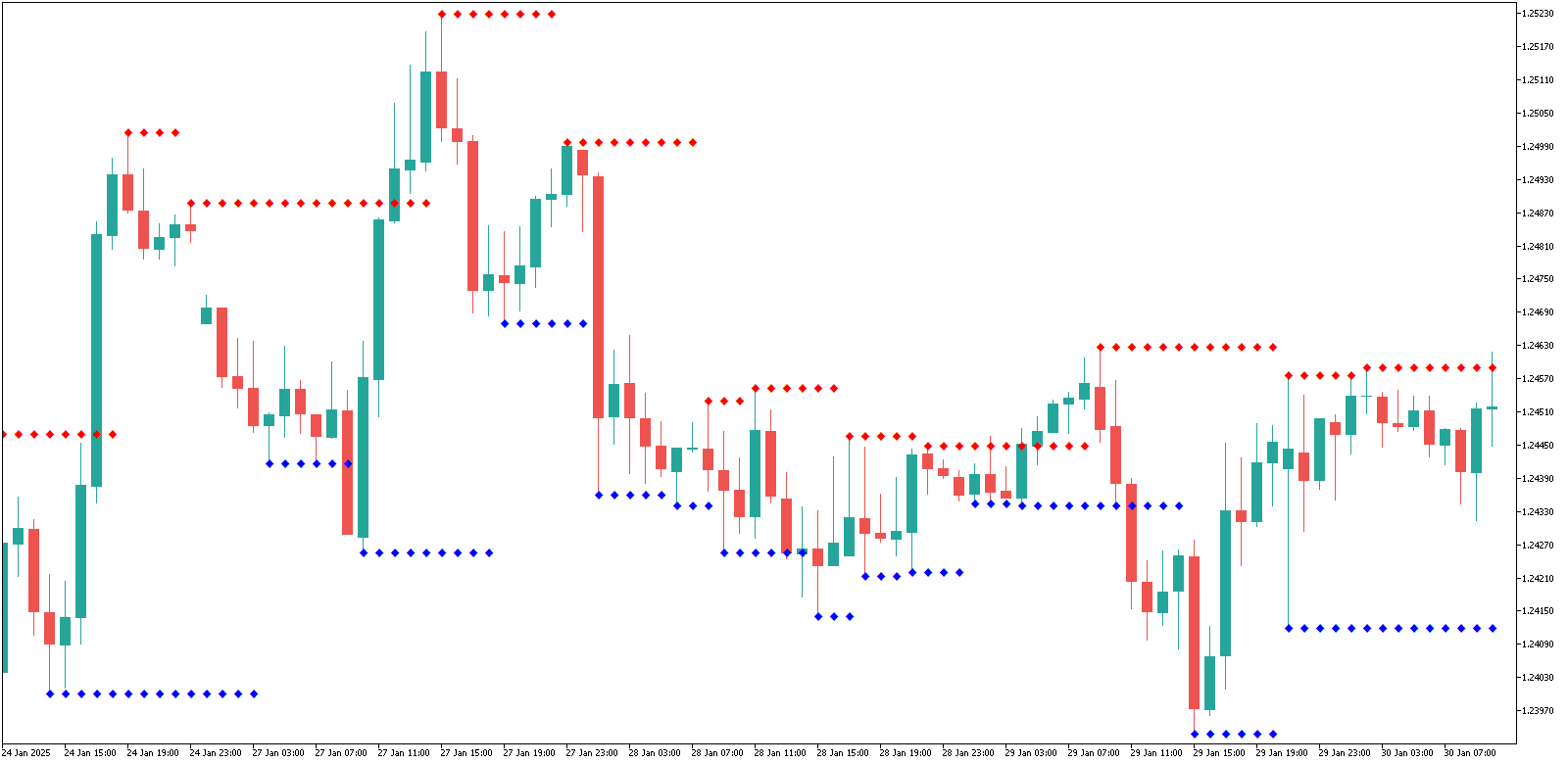
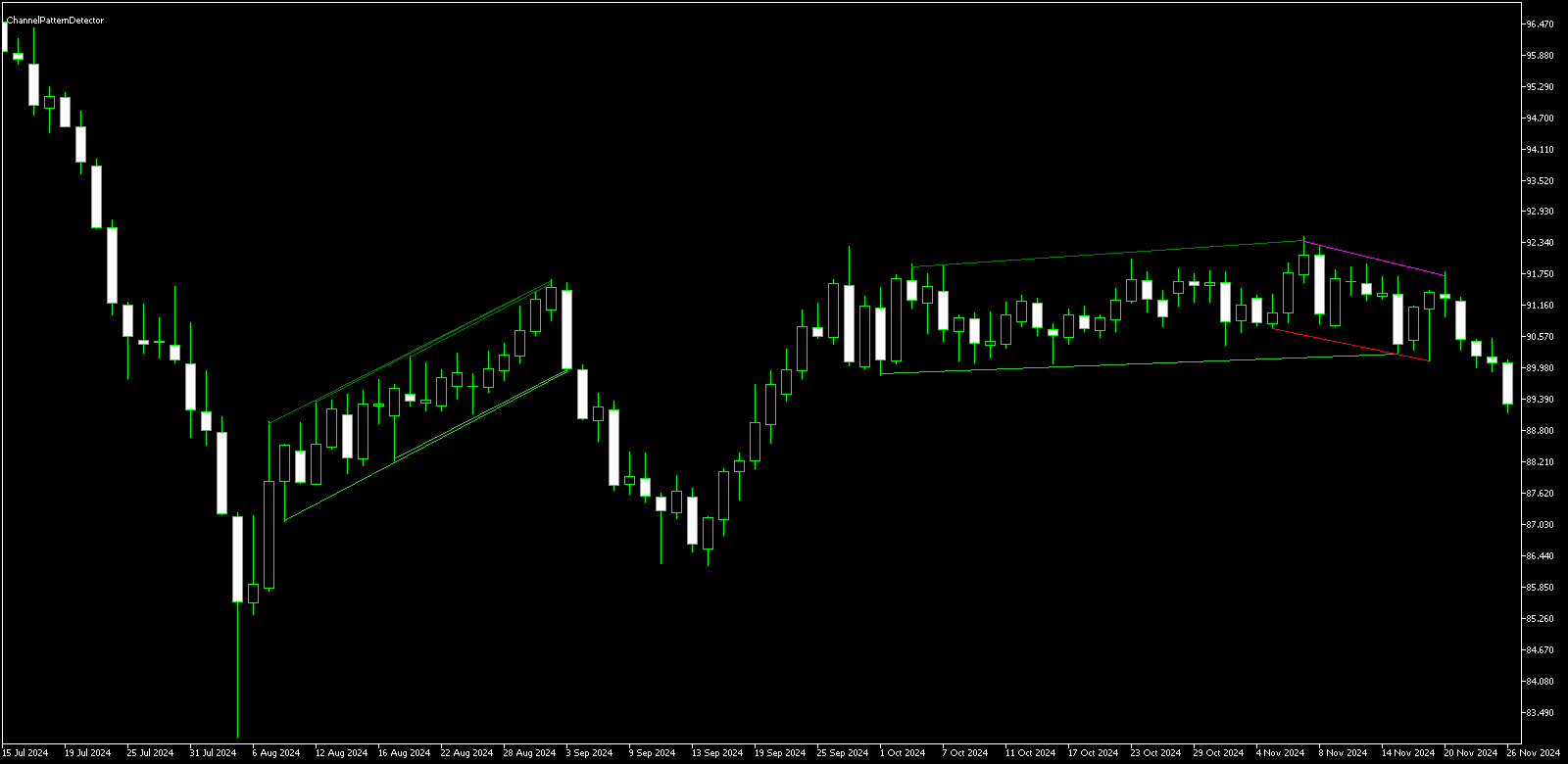
You’ve probably seen the standard MetaTrader ZigZag indicator that is capable of drawing lines from one chart extremum to another. It looks good and neat but it has two disadvantages: it’s not very accurate and it also has a bad delays for detection, because it is quite linear in its nature. This new improved version of the ZigZag indicator does the same — draws the lines between the chart’s extrema, but it uses Parabolic SAR (another well-known standard indicator) to find those extrema. This makes the whole calculation a dynamic process, which manages to reduce the delay between the point of extremum and its detection point.

The resulting extrema may be used to build regression channels or the chart patterns (like triangles and wedges) as you wish. You can find more information about this indicator and also download it for free:

Trend Histogram Indicator for MetaTrader

Sunday, May 24th, 2009

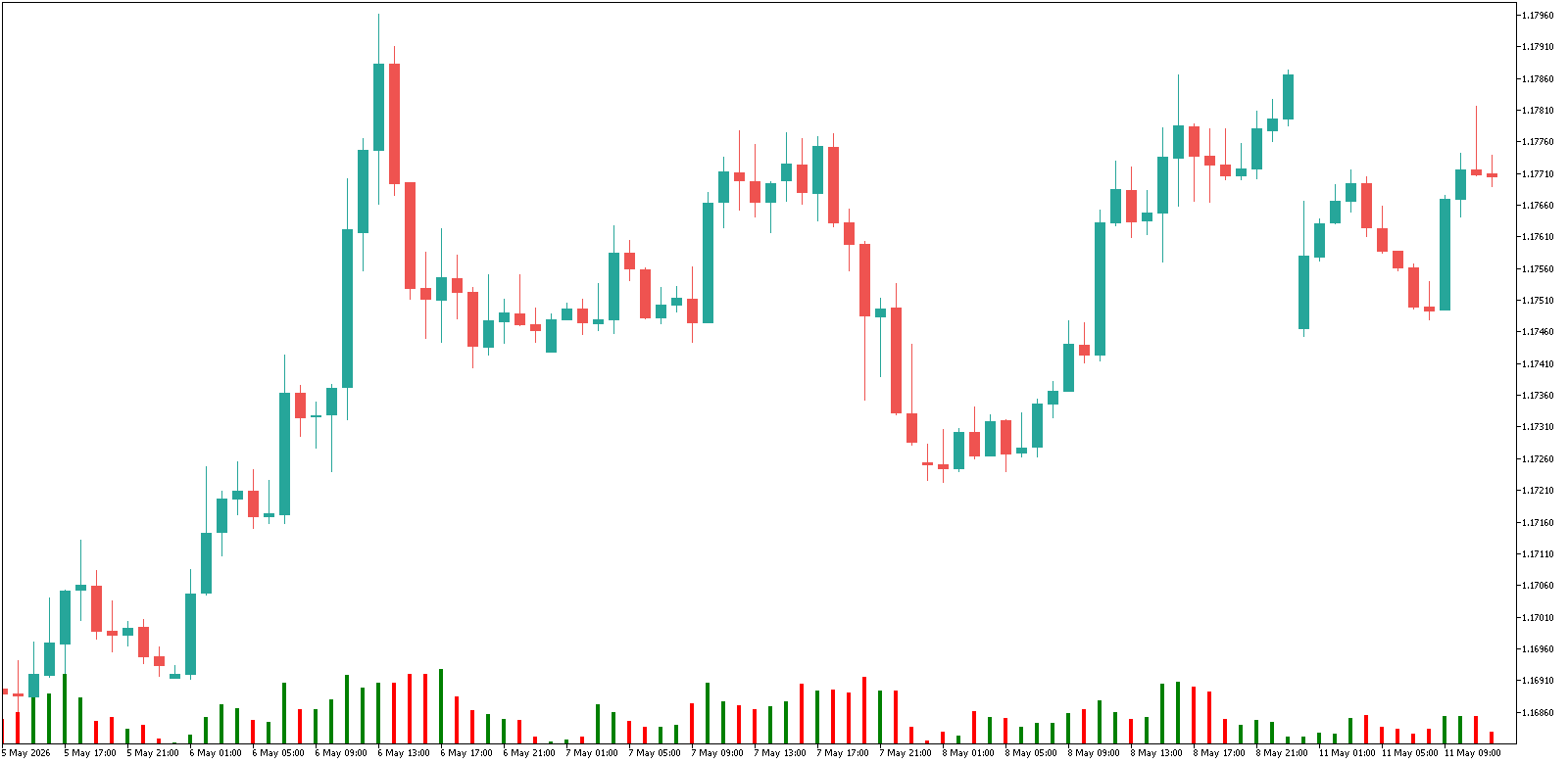
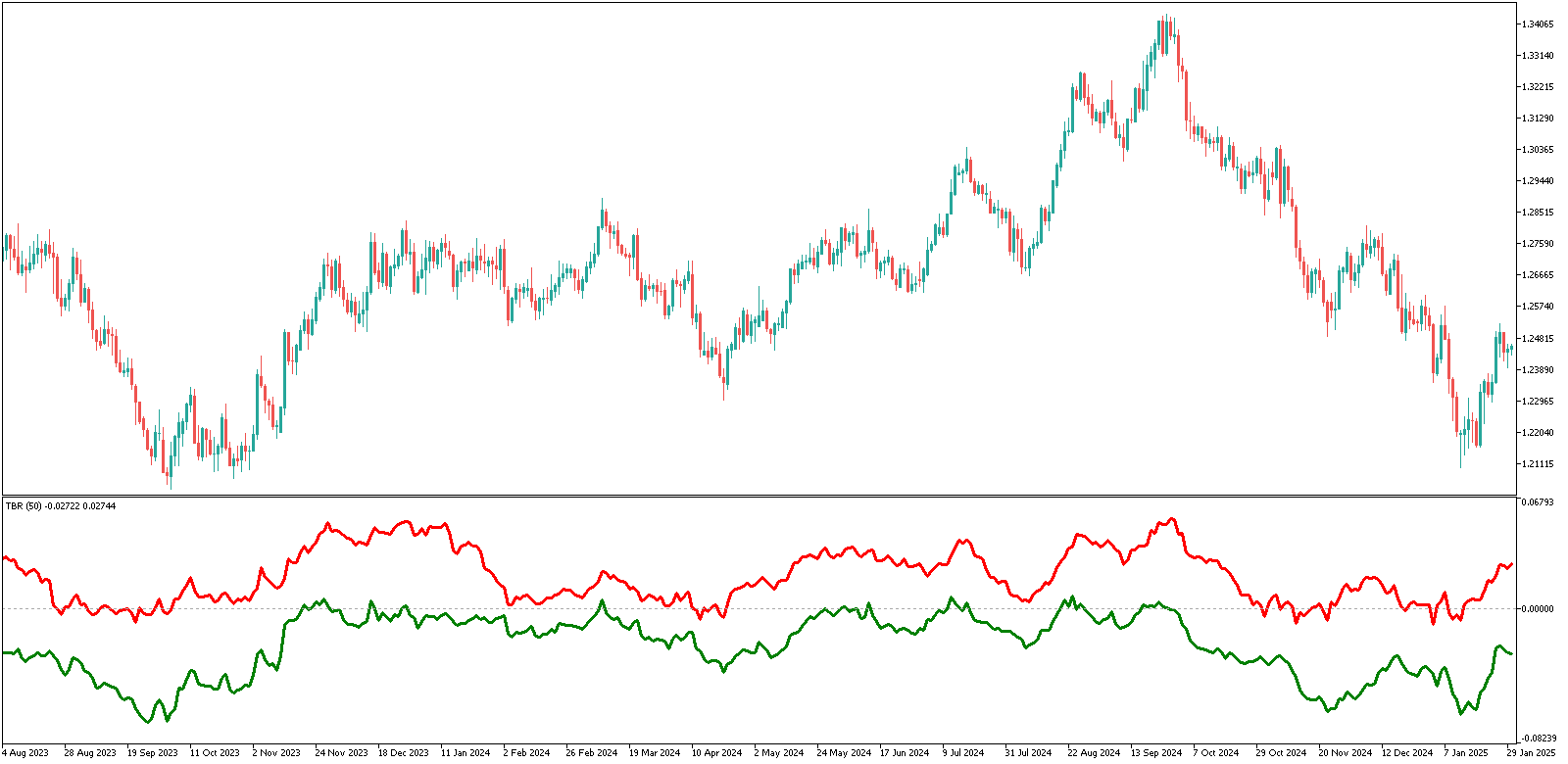
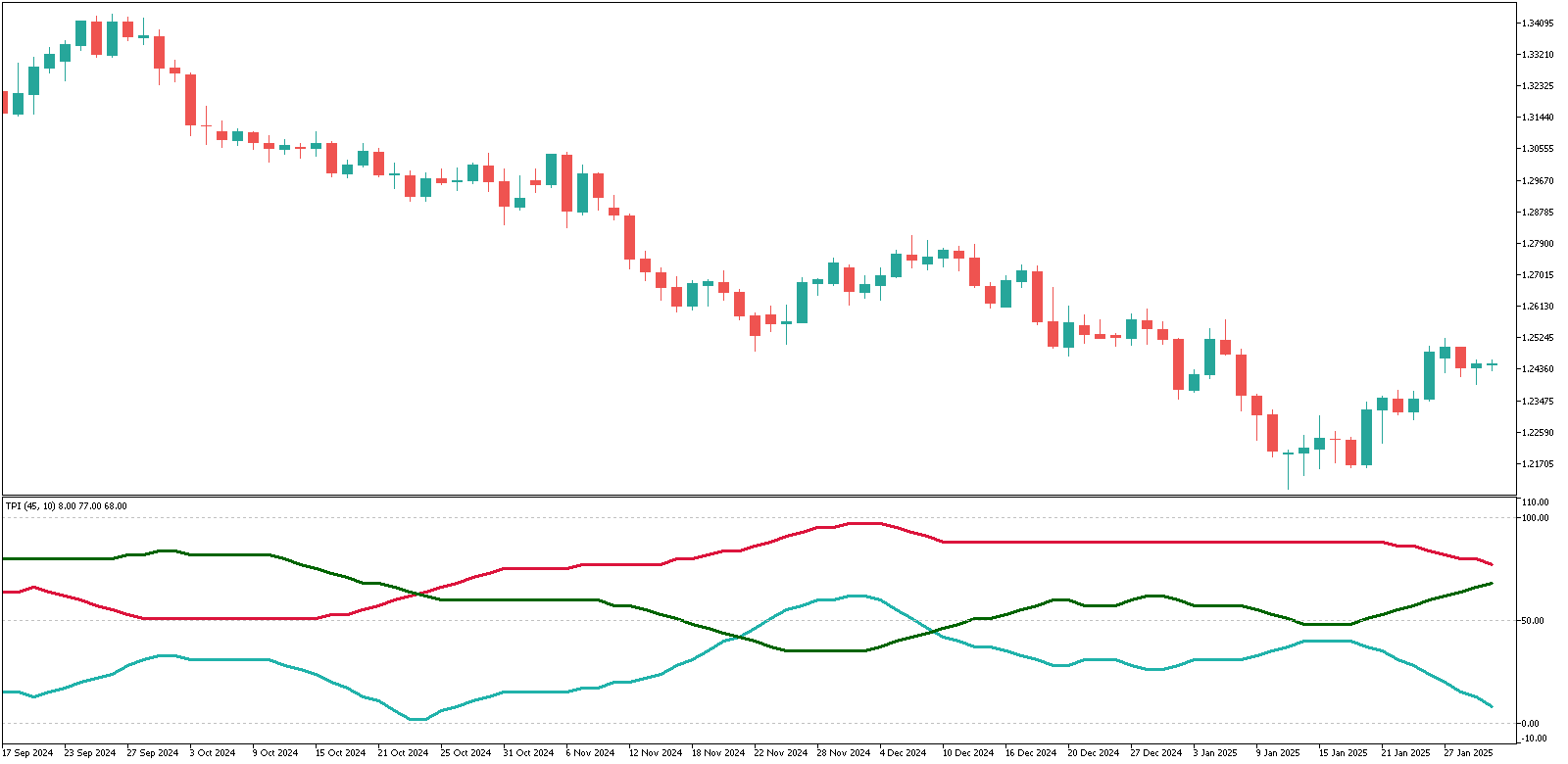
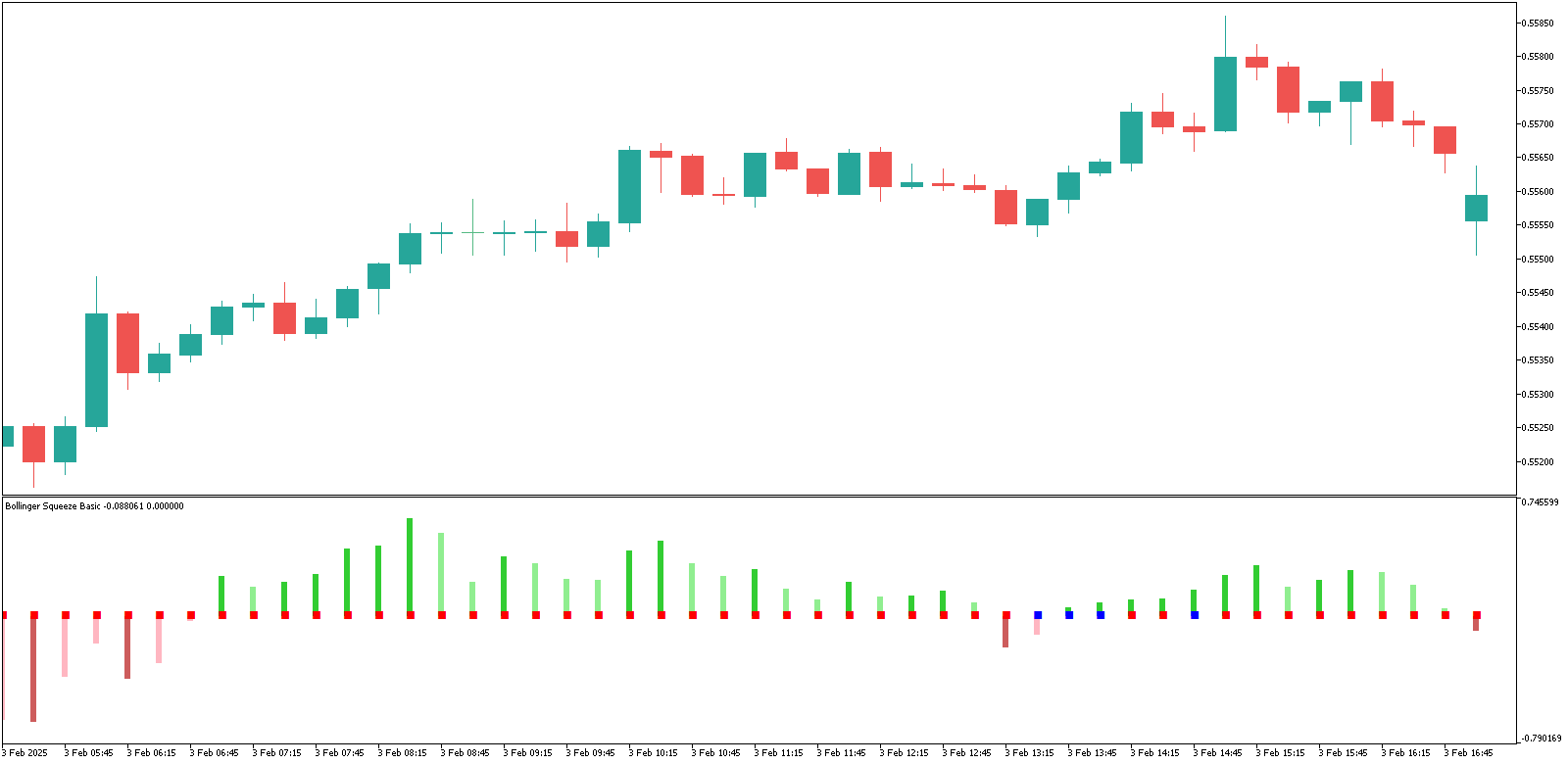
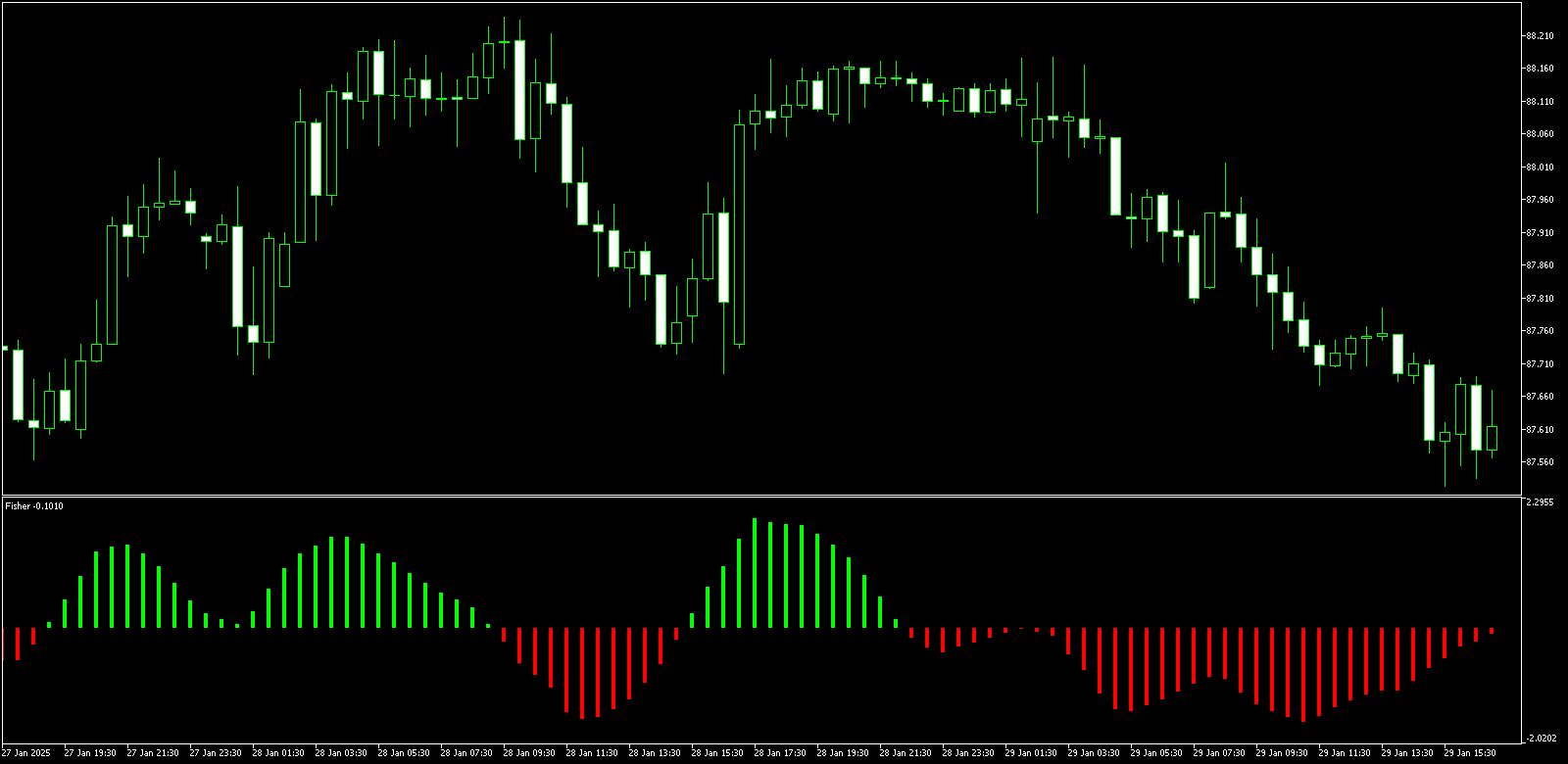
Another nice indicator that is capable of detecting the trend changes and showing the current trend’s strength and direction was added to the list of MT4 indicators on my site. It’s a histogram indicator, meaning that it doesn’t trash your chart but rather displays itself in a separate window below the main chart window. Histogram uses lines to mark each bar of the chart directly below that bar. The red color is used for the downtrend and the green is used for the bullish trend. The length of the line signifies the strength of the tend — the longer are the lines the stronger is the trend. If the lines are becoming shorter and shorter then the trend change is probably near. You can read more about this trend histogram indicator and also download it for free:

Organize Your Forex Trading with Trade Journal

Monday, May 18th, 2009

One of the most obvious and easy ways to improve your trading results and organize the whole Forex trading process is to use a trade journal to log every trade that you make. It’s an almost unknown fact among Forex beginners, but even some experienced traders still trade without such journal. Of, course some trading styles or types of psychological characters of the traders aren’t compatible with keeping a journal, but 99% of traders may still benefit from this simple and completely free tool.

I suggest logging every trade you make in a special trade journal. It can be an Excel (or OpenOffice Calc) table or a printed table, or anything else you may find usable for logging your trades. By maintaining a journal you’ll be able to see which trades were successful and which weren’t any why. You’ll be able to improve your trading system and see your repeating mistakes. While many trading platforms (e.g. MT4) have account activity reporting feature that is useful to know your total profit/loss for the period, they don’t offer a functionality of a real trade journal.

Here is the example of a trade journal that I keep. It’s created as a Microsoft Excel table, which allows some calculation automation:

Trade Journal

As you see there are 15 columns that I feel are required for a good trade journal:

  1. # — index number of a trade. It can be either cross-journal or start anew each month. Whatever is more appealing to your trading style.
  2. Date Open — date when the trade was opened. If you scalp or trade extremely short-term you may also log time when the trade was opened.
  3. Strategy — here you can log the strategy/signal that was used for this trade entry. Only useful if you employ several strategies or signal services simultaneously.
  4. Pair — currency pair of the trade. Quite obvious.
  5. Direction — short or long.
  6. Entry Price — initial rate at which the position was opened.
  7. Initial Stop — stop-loss level that you’ve set when the trade was entered.
  8. Initial Target — take-profit level that you’ve set when the trade was entered.
  9. IRR — initial reward/risk ratio. Take-profit in pips divided by the stop-loss in pips. Your Excel/Calc table can calculate this ratio automatically.
  10. Exit — rate, where your position was actually closed.
  11. Date Closed — date when the trade was exited. Scalpers can also log the closing time.
  12. Profit/Loss, Pips — profit or loss in pips. Your Excel/Calc table can calculate it automatically.
  13. Profit/Loss, % — profit or loss in percent to the initial account balance. Logging absolute values (e.g. $120.00 profit) isn’t recommended because doesn’t tell anyone anything about the riskiness or profitability of the trade.
  14. Length — length of the trade’s life. In days for normal traders and in hours, minutes or even seconds for scalpers.
  15. Comment — don’t be too lazy and comment your trades to understand why have you failed or succeeded in a given moment of your trader’s career.

Of course, other columns can be added for even greater logging informativeness but for me those are enough. If you have any questions, comments or recommendations regarding trade journals, please, feel free to reply below.

Update: Some traders asked me to share my trading journal table, so that they could use it to create their own trade journals. Here it is — download trade journal Excel table.

Get Alerted When Rate in MT4 Reaches Certain Levels

Monday, April 27th, 2009

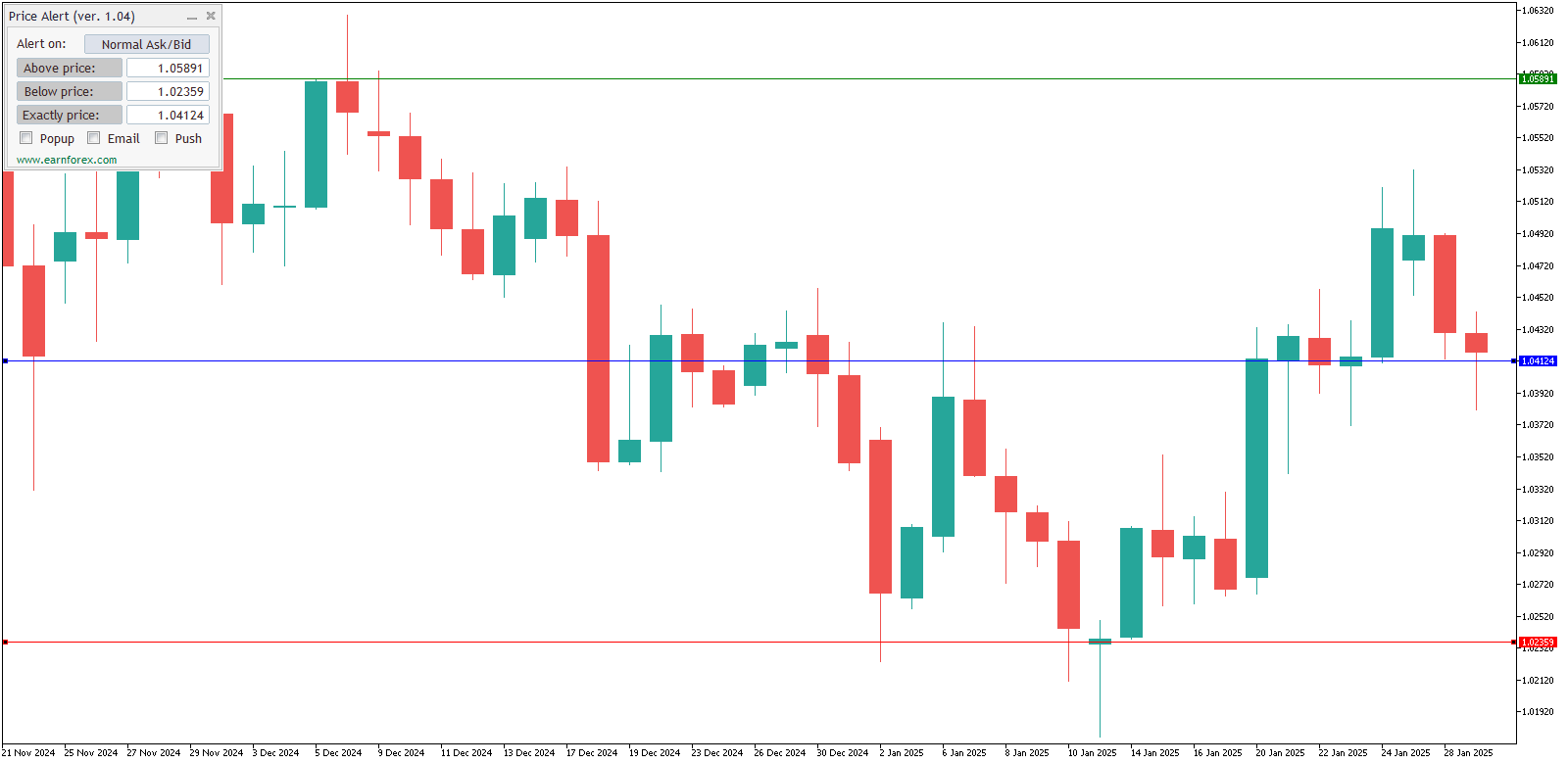
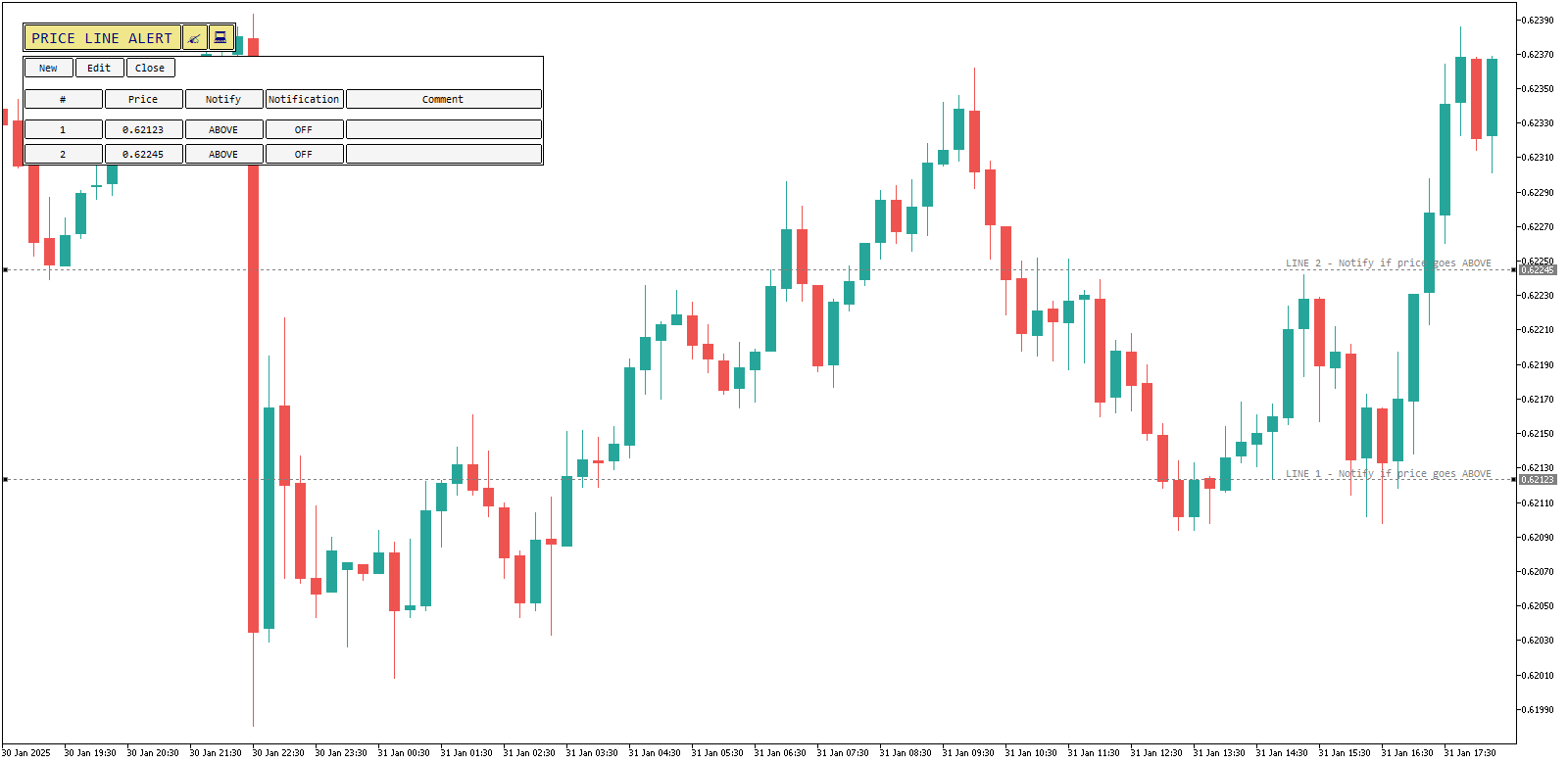
The new indicator that I’ve created recently (based on the idea of one of my site’s visitors) can help every Forex trader that uses MetaTrader platform. It can notify traders when the currency pair rate (or price) reaches a certain level, goes above some level or goes below some level. It uses the sound and visual alerts and also displays the preset price levels on the chart. This indicator can be used with any currency pair or any other trading instrument. I wonder why something similar wasn’t made as a standard feature for MetaTrader 4. Of course, you can freely download Price Alert indicator and read more about it:

By the way, if you have any good ideas for the MT4 indicators you can reply to this post, describing it, and I will try to implement it.

The Truth about Money Management

Tuesday, April 21st, 2009

The new e-book (actually an article excerpt from the Futures Magazine) was uploaded to my site today. It’s about the risk control and money management in Forex and elsewhere. The whole book is only 4 pages long, but it succeeds in introducing the most important approaches to money management theory and practice. For those who are too lazy to read these 4 pages, in the end the author of this book gives 5 steps (or rules) that should be followed for the successful risk managing of the general financial trading. Download link:

CCI Indicator with Arrows as Signals

Sunday, April 19th, 2009

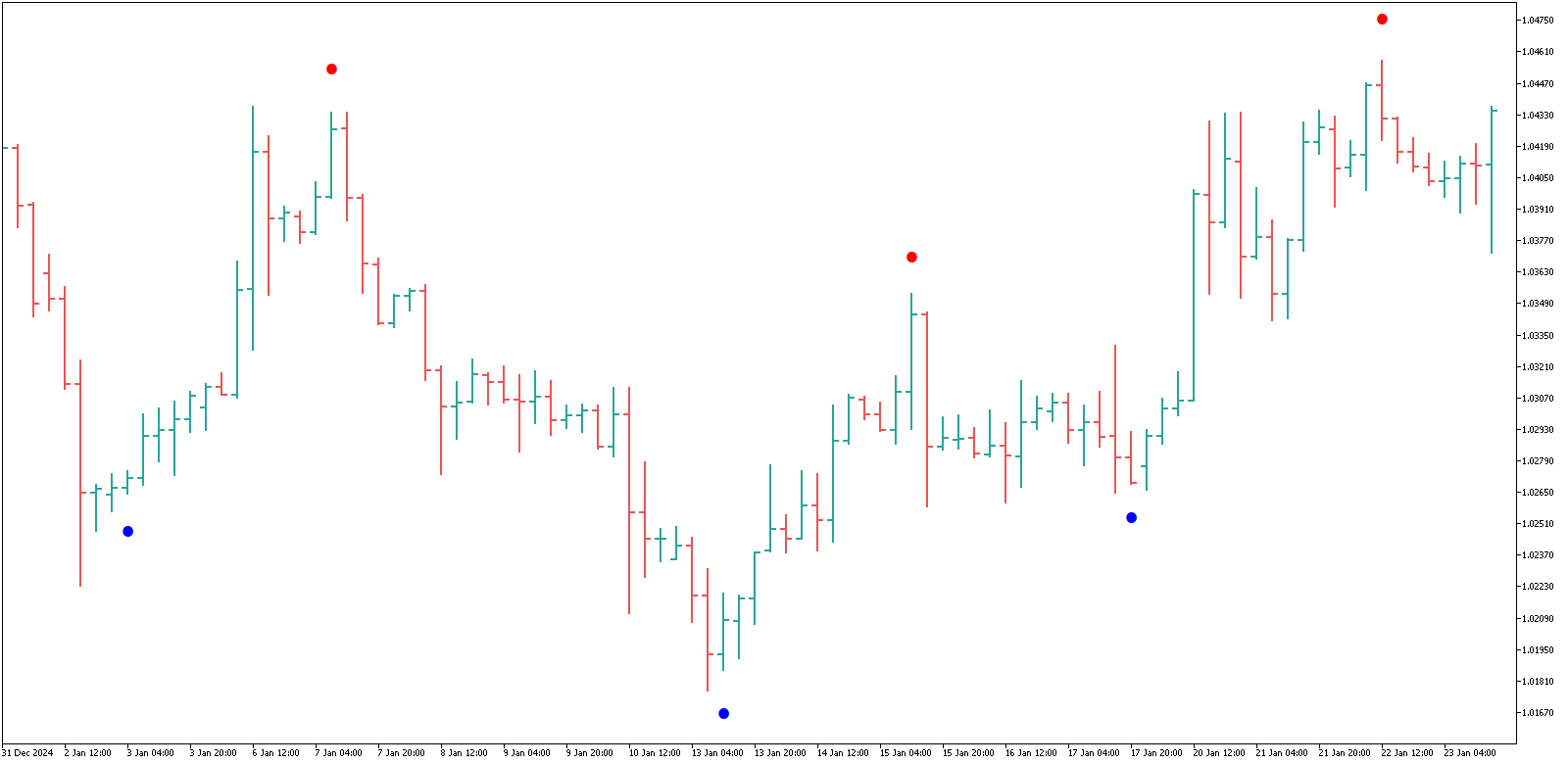
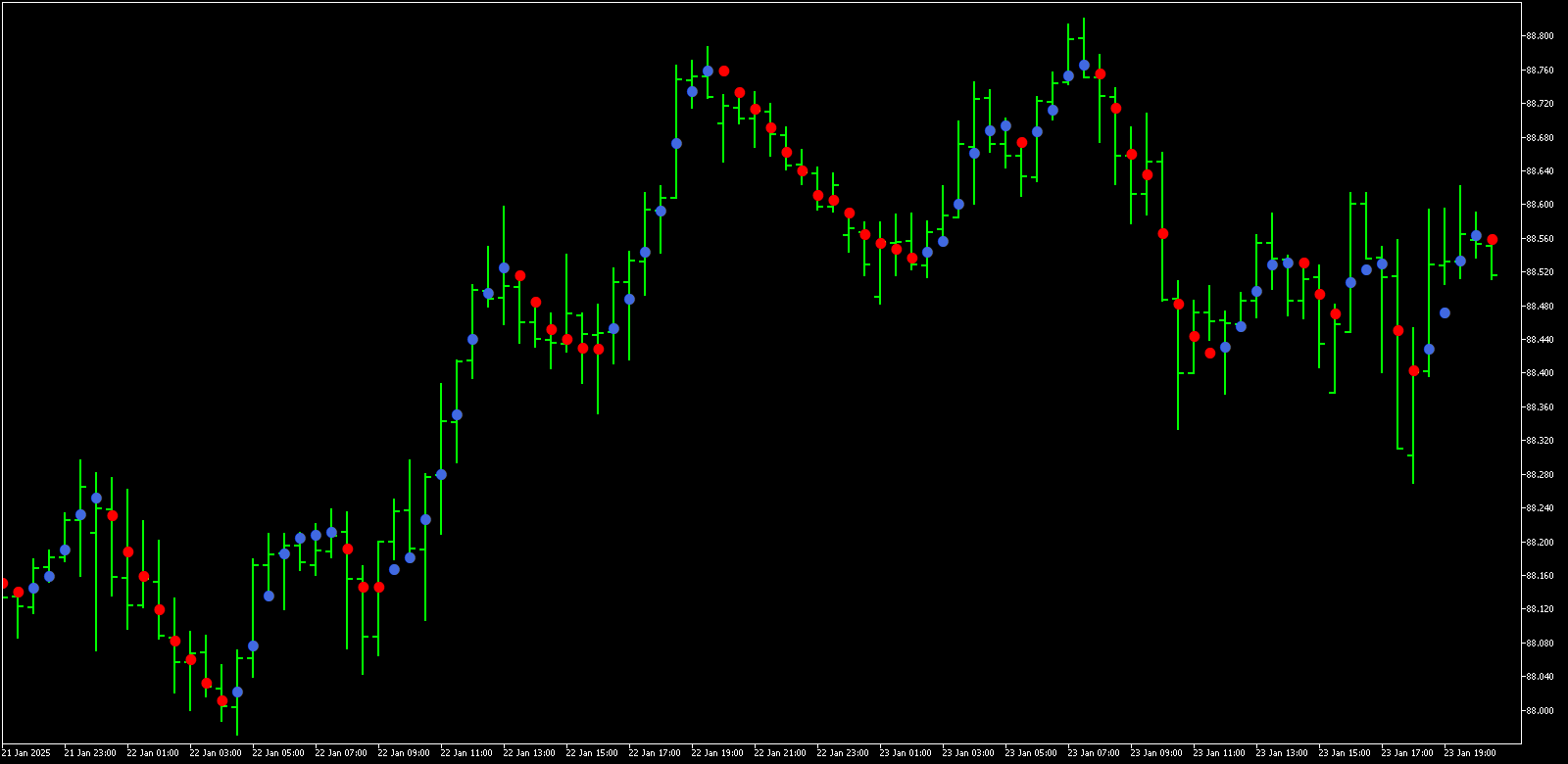
I’ve found an interesting MetaTrader indicator on one of the Forex forums recently and today I decided to upload it on my site to allow other traders download it freely. It’s called CCI Arrows and, as its name suggests, it is based one the standard MT4 CCI (Commodity Channel Index) indicator. It detects the CCI crosses with the zero level and draws the red arrows for the short positions and the blue arrows for the long positions. It suggests stop-loss levels and can be successfully accompanied by the trailing stop. You will find the download links and the detailed description here:

The Way to Trade Forex by Jay Lakhani

Friday, April 10th, 2009

Jay Lakhani is a successful Forex and stock trader with a great experience as a mentor for the newbie Forex traders. He believes that the trader’s psychology and the money management basics should receive much more attention during the learning process than the usual market theory. His book «The Way to Trade Forex» is a good starter’s choice for the unexperienced Forex traders as it may put the whole education process on the right way. Readers will definitely try to find their own trading strategies and techniques that will comply with their emotional state and the trading character after finishing this book. Now you can download this book from my site for free. Being extremely useful to the beginning traders, «The Way to Trade Forex» is also an interesting and not too long read for others. But, of course, for people practically familiar with Forex trading, this book is barely something greater than a polite invitation to the author’s mentoring courses.

How George Soros Knows What He Knows?

Sunday, September 14th, 2008

This question is often asked by the traders that know who George Soros is. Unfortunately, there is no definite and accurate answer to this question. But it’s possible to model his trading behavior and understand what should be made by Soros-wannabe to reach the same level of the market intuition. Flavia Cymbalista, Ph.D., does that successfully in her scientific paper, which is entitled «How George Soros Knows What He Knows» (you can download it for free from my site).

The paper studies the creativity process and the balancing between the intuitive trading backed by Soros’ experience and the average flow of the market data and indicators that are available to the average Forex market participant. The most remarkable about the way Soros analyzes the market is the ability to quickly incorporate new developments into his older experience. This ability allows trader to move with the market rather than run behind it.

A Practical Guide to Swing Trading — Free eBook

Wednesday, September 10th, 2008

Now you can download a completely free ebook on the swing trading from my site — it’s «A Practical Guide to Swing Trading» by Larry Swing. Although this book doesn’t deal with the Forex market specifically and was written with the stocks in mind, it still can be applied to the Forex trading, and I must say that even before I read it I’ve been using the strategy described in this book myself with currencies.

Swing trading as it described in this book is a trading where you enter a market in the main trend’s direction, but only after a significant pullback that is followed by a clear signal that the trend will continue occurs. Theoretically, it can be applied to both intraday and daily charts, but the author suggest holding positions for several days before realizing the profit.

Another good thing is that, while this ebook is quite long (74 pages), it reads very easy and fast. If you think that the swing trading is for you, download it.

A Six-Part Study Guide to Market Profile — Free eBook

Friday, August 22nd, 2008

Today I offer you a new free ebook to download from my site — A Six-Part Study Guide to Market Profile. Actually it’s not very new — it was written in 1996 by the Chicago Board of Trade professionals. It thoroughly explains the one of the most innovative but not too popular trading concept — the market profile. First it will help you understand what market profile is and how it can help in your trading. The good thing here that it doesn’t matter if you are a long-term or a short-term trader. And although it was written for the commodity traders, it can still be easily applied in the Forex market. Then it will teach you how to use the market profile to monitor both short-term and long-term trends. This book will also tell you how to relate the daily trading volume with market activity and benefit from it. Carrying out the actual trading decisions relying on the market profile data is described in the last two chapters of this ebook.
The only problem with this book is its size — it’s 346 pages long and it will take a while both to download and to read. Nevertheless, if you are interested in the concept of market profile it will be a helpful addition to your electronic library.


Forex-Metal

Subscribe to Monthly Forex Newsletter Don't show me this offer ×